1.8 STARTING UP
1.
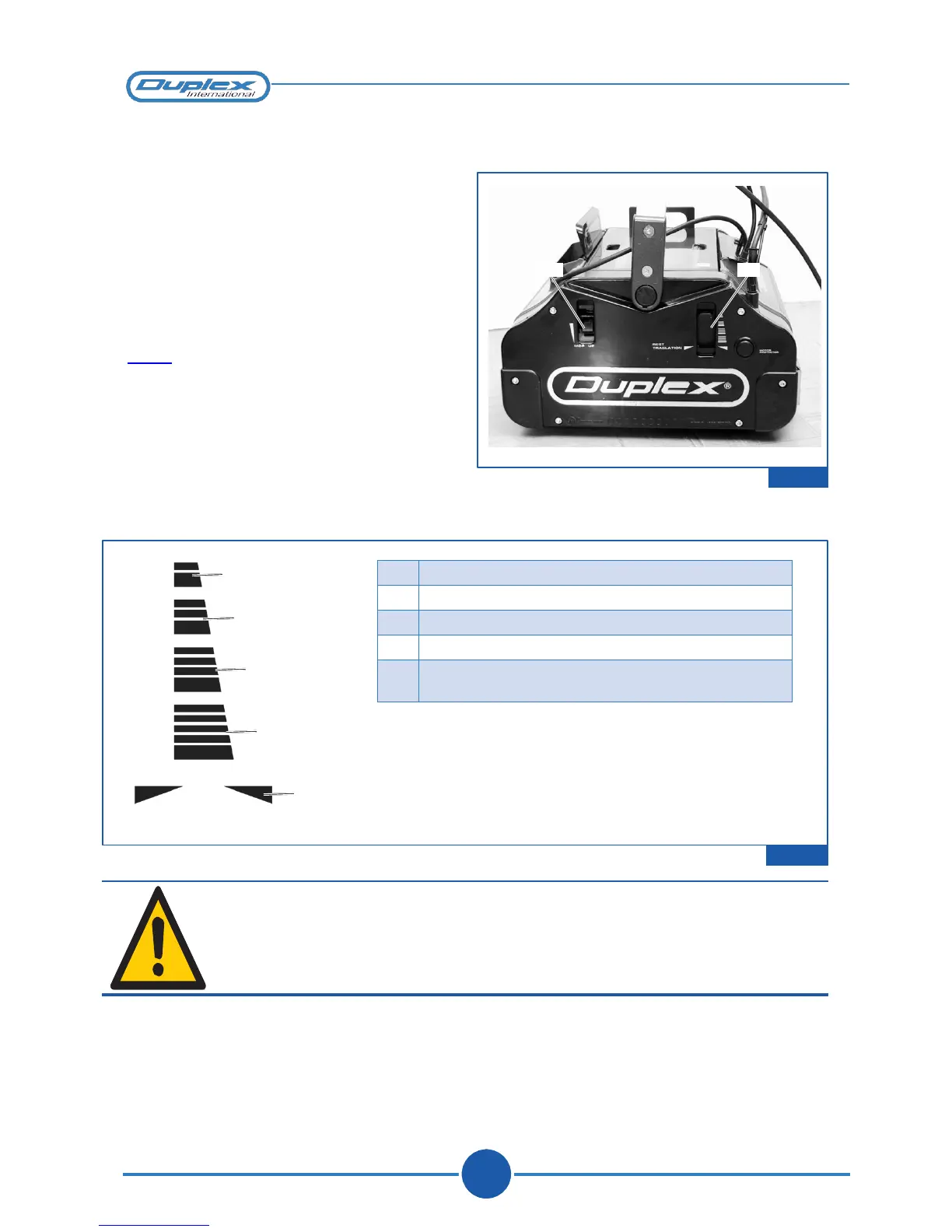
Make sure that the handle is in the Rest
position (perfectly vertical) and that the
slide switch is in the “Translation”
position (REST TRANSLATION);
2.
Plug the mains cable into a socket.
MU RT
3.
Shift the slide switch to one of the four
available positions according to the type
of cleaning you wish to perform (figure
“1.11”).
(MU= Mop-Up)
1.10
1
2
3
4
5
Figure 1.11
WARNING
During machine operation it is recommended to keep the cable
well clear of the brushes to prevent it from being
damaged.



 To Next Page