Using the BIOS Setup Utility
32
Main Menu
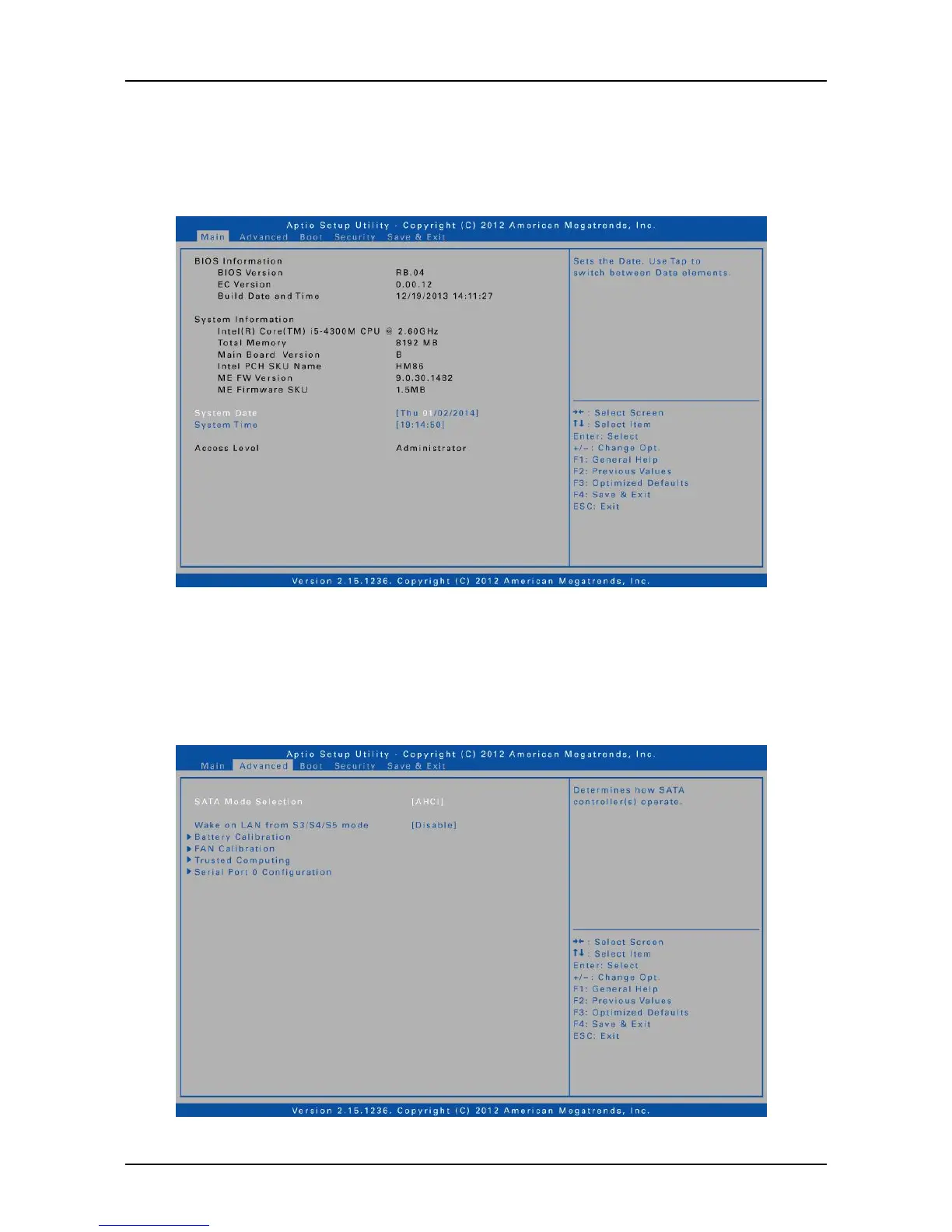
The Main menu displays the system overview information about BIOS version,
system information, total memory size, and access level. You can also set the
system date and time.
Advanced Menu
The Advanced menu allows you to select SATA mode, enable/disable integrated
LAN to wake the system, calibrate fan and battery, and configure Trusted
Computing and Serial Port 0 settings.



 To Next Page