IB-CD855(CDX82C-60C8)-WM-E-011604
WIRED REMOTE CONTROL
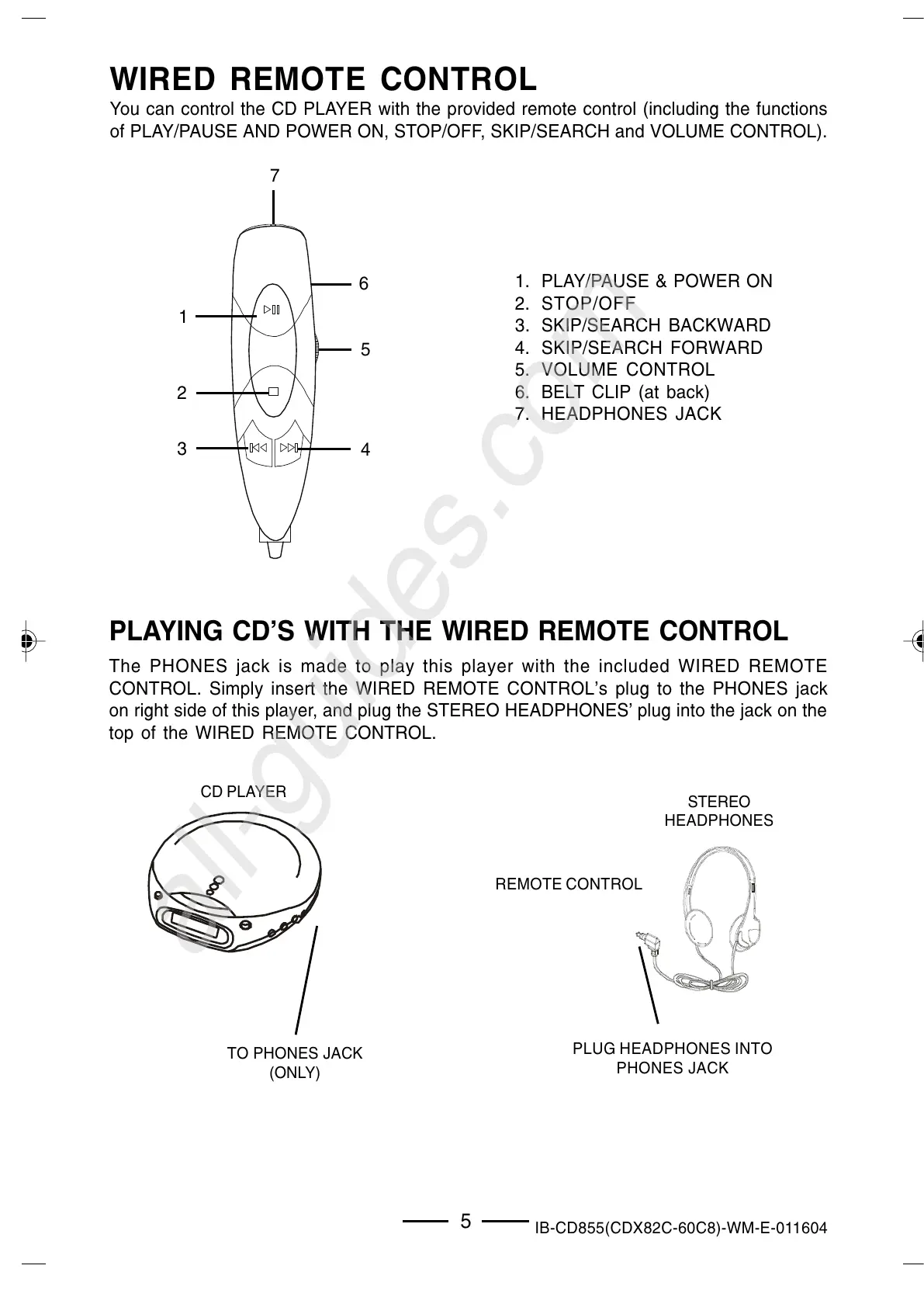
You can control the CD PLAYER with the provided remote control (including the functions
of PLAY/PAUSE AND POWER ON, STOP/OFF, SKIP/SEARCH and VOLUME CONTROL).
1. PLAY/PAUSE & POWER ON
2. STOP/OFF
3. SKIP/SEARCH BACKWARD
4. SKIP/SEARCH FORWARD
5. VOLUME CONTROL
6. BELT CLIP (at back)
7. HEADPHONES JACK
PLAYING CDS WITH THE WIRED REMOTE CONTROL
The PHONES jack is made to play this player with the included WIRED REMOTE
CONTROL. Simply insert the WIRED REMOTE CONTROLs plug to the PHONES jack
on right side of this player, and plug the STEREO HEADPHONES plug into the jack on the
top of the WIRED REMOTE CONTROL.
TO PHONES JACK
(ONLY)
PLUG HEADPHONES INTO
PHONES JACK
5
3
5
7
4
1
2
6
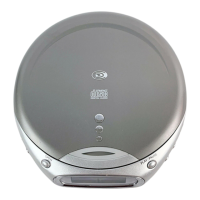
CD PLAYER
STEREO
HEADPHONES
REMOTE CONTROL
IB-CD855(CDX82C-60C8)-WM-E-011604.p65 2/9/04, 6:02 PM6


 To Next Page