IB-CDR1902(TA)-WM-E-090902
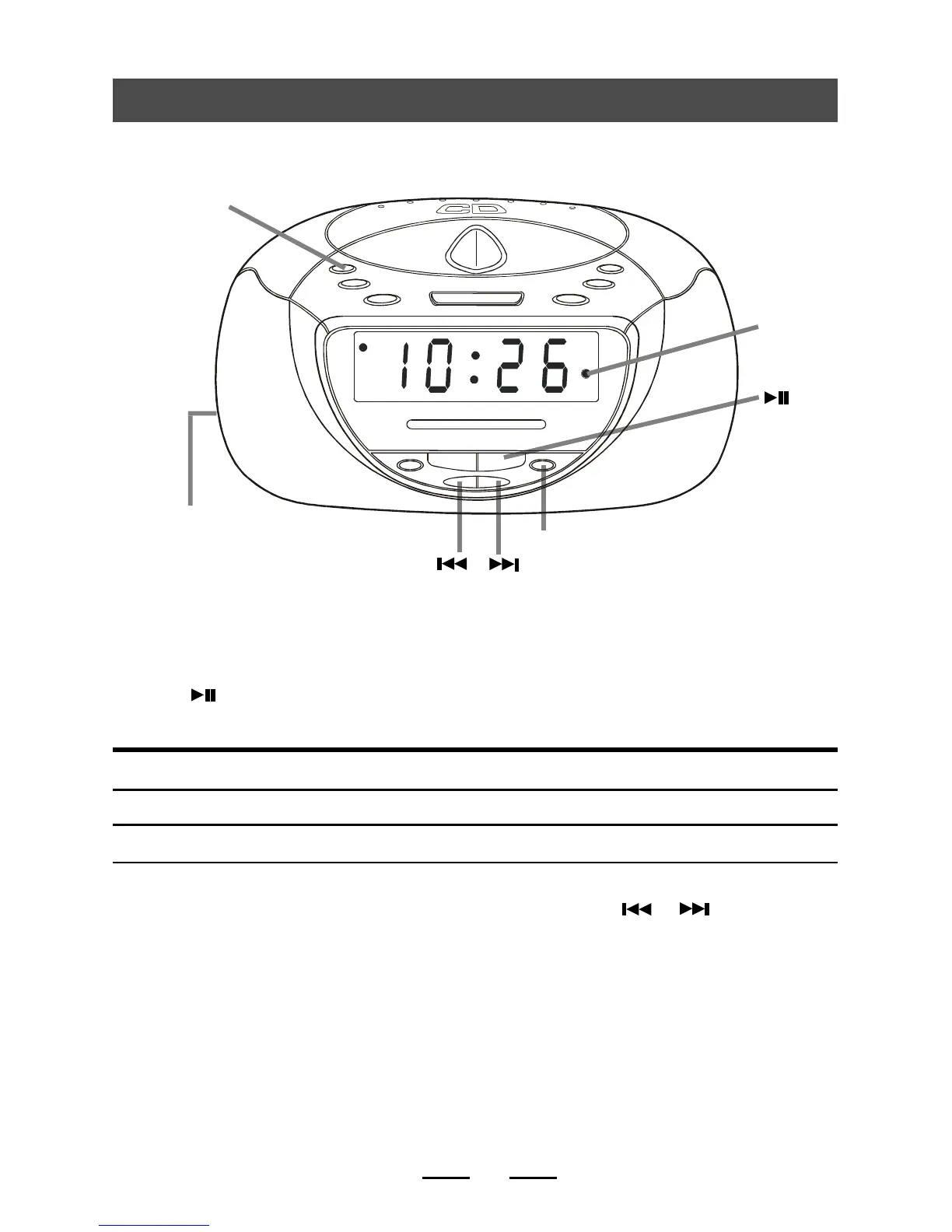
4. Playing CD tracks repeatedly (Repeat Play)
To repeat Press (during play)
a single track (song) Press the REPEAT button once
all the tracks (all songs) Press the REPEAT button twice
1. Press the POWER button to turn on the power and slide the FUNCTION switch to
CD position.
2. Press (PLAY button).
3. Press the CD REPEAT button.
To cancel Repeat Play
Press the REPEAT button until the REPEAT lamp is off.
4. You may select the individual track to repeat by pressing
or
.
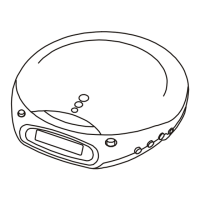
REPEAT button
FUNCTION switch
(on the left side)
Repeat Lamp
Steady on
Flashing
6
POWER
button
REPEAT
lamp



 To Next Page