13
Setting the Date, Time and Unit
It is important to set the clock before using your blood pressure monitor, so that a
time stamp can be assigned to each record that is stored in the memory.
(Year: 2000-2050, Time: 24 H)
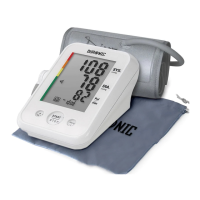
1. When the monitor is off, press and hold down the ‘USER/SET’ button for 5
seconds. The ‘User 1’ icon will ash.
2. Press the ‘USER/SET’ button to change the year. Srcoll through the year
using the ‘MEMORY’ button.
3. Press the ‘USER/SET’ button to change the date (month/day). Scroll through
the year using the ‘MEMORY’ button.
4. Press the ‘USER/SET’ button to change the time (hour/minute). Scroll
through the time using the ‘MEMORY’ button.
5. Press the ‘USER/SET’ button to change the unit of measurement (mmHg/
KPa). Srcoll through the time using the ‘MEMORY’ button.
USER/SET
BUTTON
MEMORY
BUTTON



 To Next Page