15
Accessing the Memory
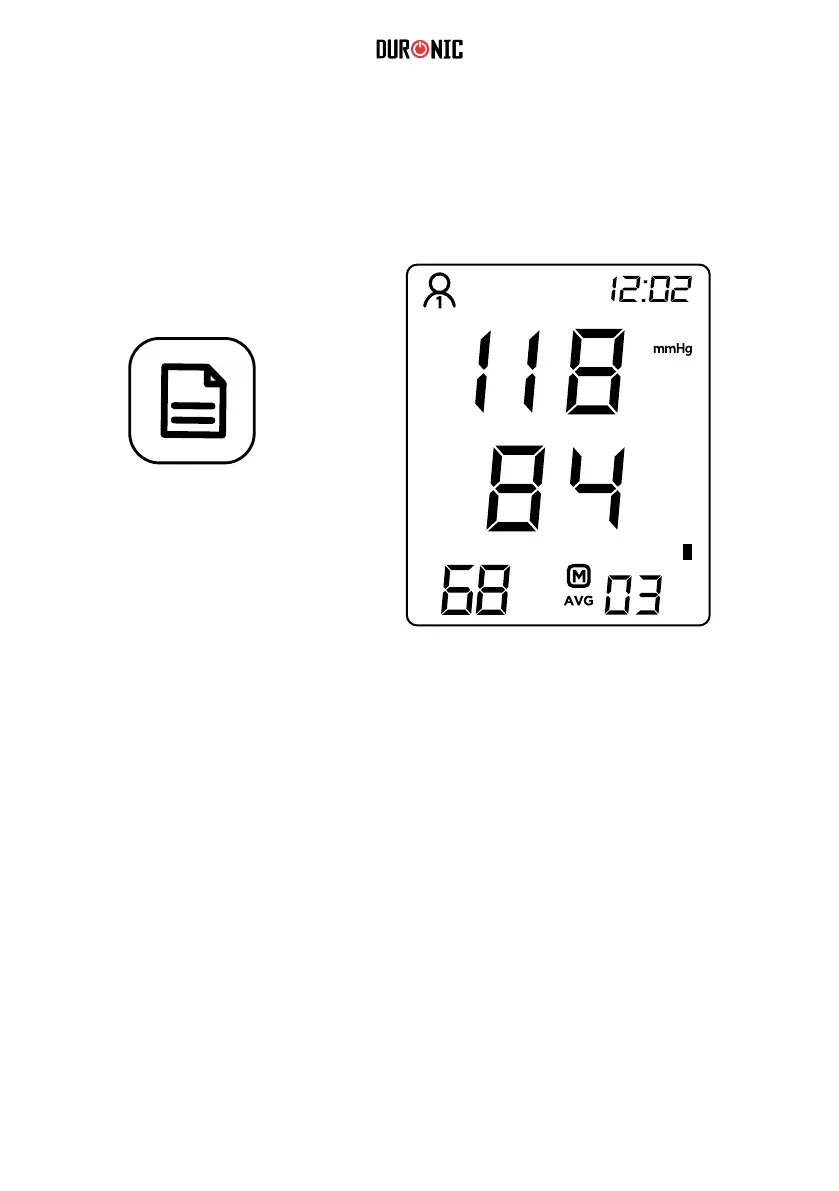
The reading measured will save automatically. To access and scroll through the
saved readings, press the ‘MEMORY’ button. You can switch between ‘User 1’
and ‘User 2’ by pressing the ‘USER/SET’ button.
The blood pressure monitor can automatically store 99 measurements for two
users, and automatically replace the 99 measurement data when the memory is
full.
After the blood pressure monitor has been used several times, press the
‘MEMORY’ button in the shutdown state to display the average blood pressure of
the last three measurements.
Press the ‘MEMORY’ button again to display the rst group of blood pressure
measurement values and look up the memory group number next to it.
MEMORY
BUTTON



 To Next Page