8
Cold Froth
1. Attach the frothing whisk into the inside of the jug.
2. Add milk to the milk jug. Do not add more than 260ml.
3. Place the lid on the jug and make sure it’s closed.
4. Place the jug onto the heating base.
5. Connect the plug to the power socket.
6. Touch the power button three times - the white light
will come on.
7. Wait until the machine stops and the white light goes
out.
8. The cool froth is ready to pour/scoop out into a cup.
Drink on its own or add to your desired beverage.
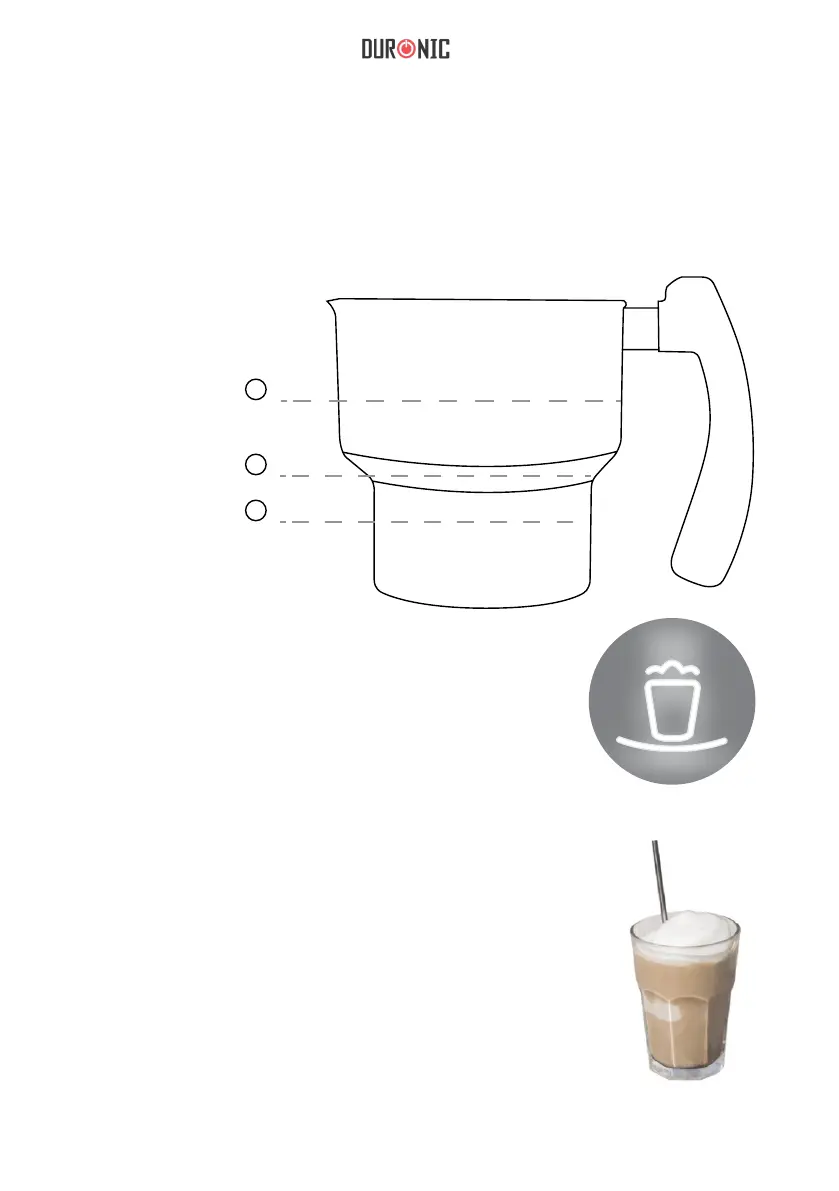
1. Max Heating Fill
Level
2. Max Frothing Fill
Level
3. Max frothing fill
level for whole fat
milk
1
2
White
260ml
500ml
Please ensure you choose the correct whisk for your desired beverage.
Ensure that you do not exceed the recommended maximum capacity stated
above as this will result in the milk overowing from the jug. If this happens,
turn off the machine immediately, unplug from the mains socket and clean up
the spillage with a damp wet cloth. Ensure all parts are dried.
3
120ml


 To Next Page
 Loading...