2.4G device name:2.4G Wireless Keyboard
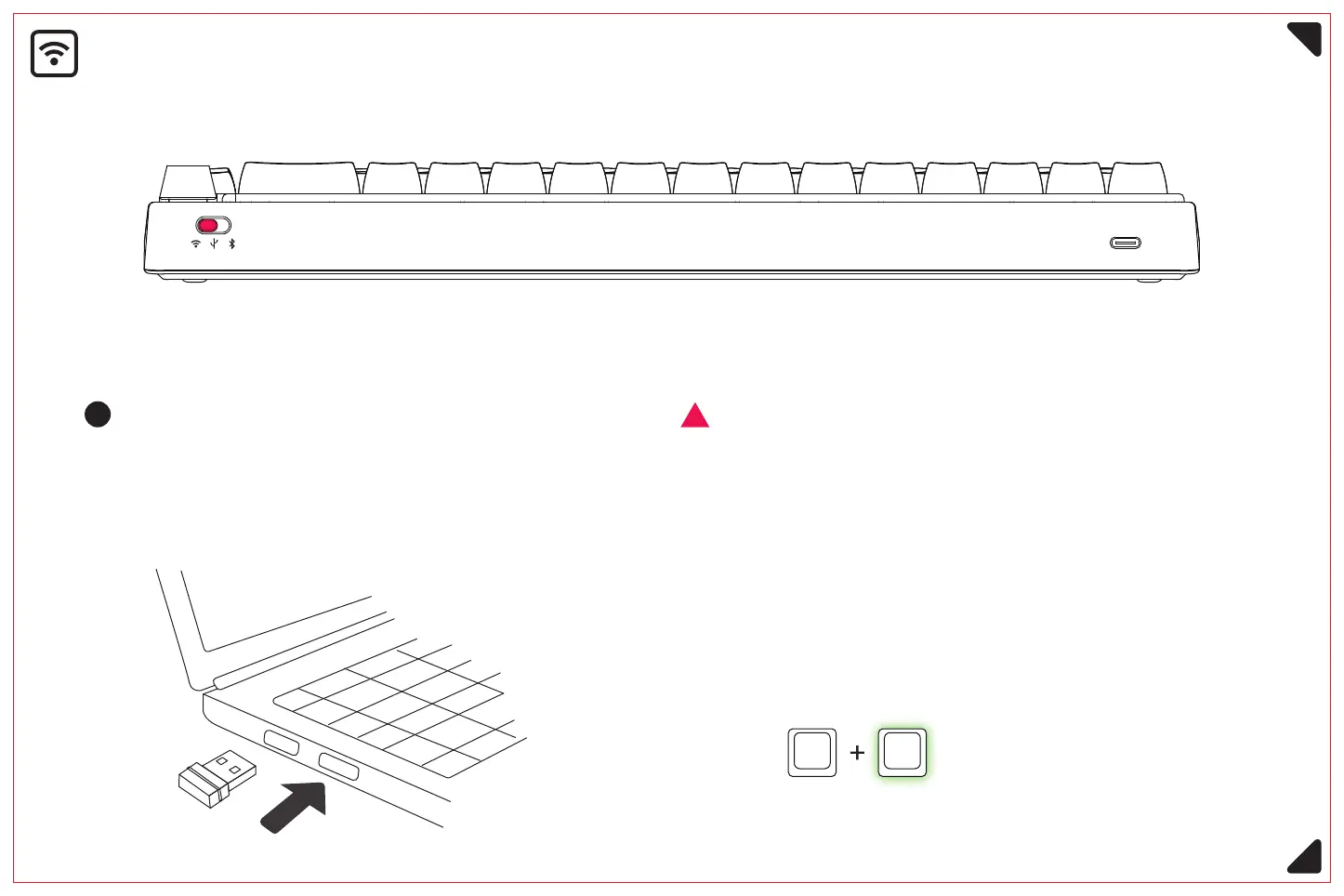
2.4G wireless mode
Long press Fn+R for 3 seconds, the backlight flashes
and activates the 2.4G signal band. After successful
connection, the key backlight returns to normal state.
<Please switch the on/off button to the corresponding mode before connecting>
Plug the 2.4G signal receiver into the USB
port of your computer and the device is
automatically connected.
Activate 2.4g signal band,
green light flashing fast.
If you use a non-factory signal receiver,
you need to perform the following
matching operation again.
Fn E
6



 To Next Page