107
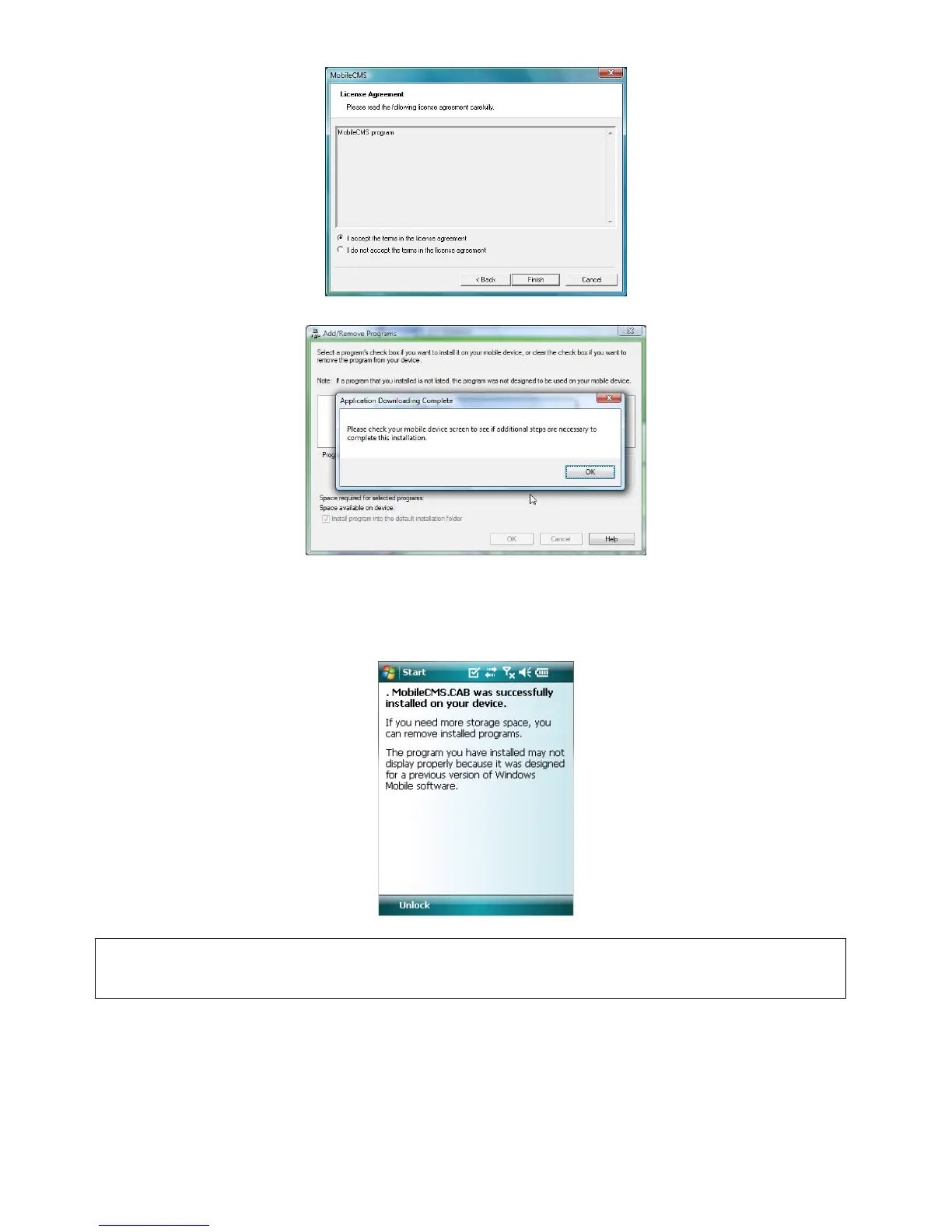
Click accepting the license agreement, then click “Finish” button.
Installation box will appear.
Click [OK] to start installation.
When installation completed, following pop-up will appear.
Click [OK].
If following message appeared, it has successfully installed.
(NOTE)
Depending on mobile device, successful installation message may not appear.
Click [OK] when license agreement message appear.
Move to [Programs] page to check whether CMS has installed.



 To Next Page