108
12.5.3 Site Configuration
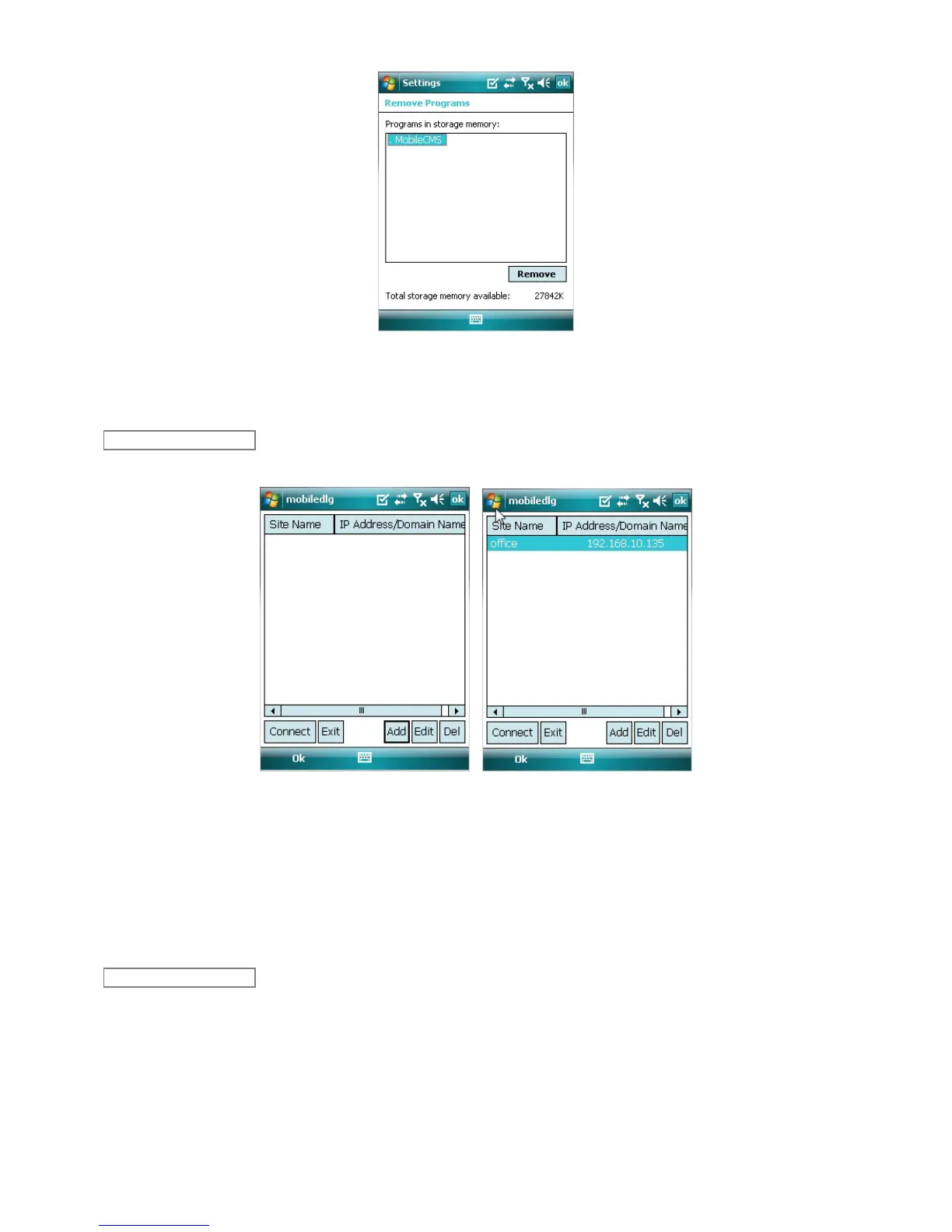
Click [Add] to appear following screen.
Fill in correct information.
- Site Name : Insert the name of site.
- IP/Domain : Insert the IP address or Domain name of the site.
- ID : Input the registered ID of the site.
- Password : Input the password of the registered ID.
- Command Port : Insert Command Port of the site.
- Stream Port : Insert Stream Port of the site.
Click [Save] then following screen will appear with registered site.
Select a site and click [Edit] then following screen will appear.
Edit
Add



 To Next Page