27
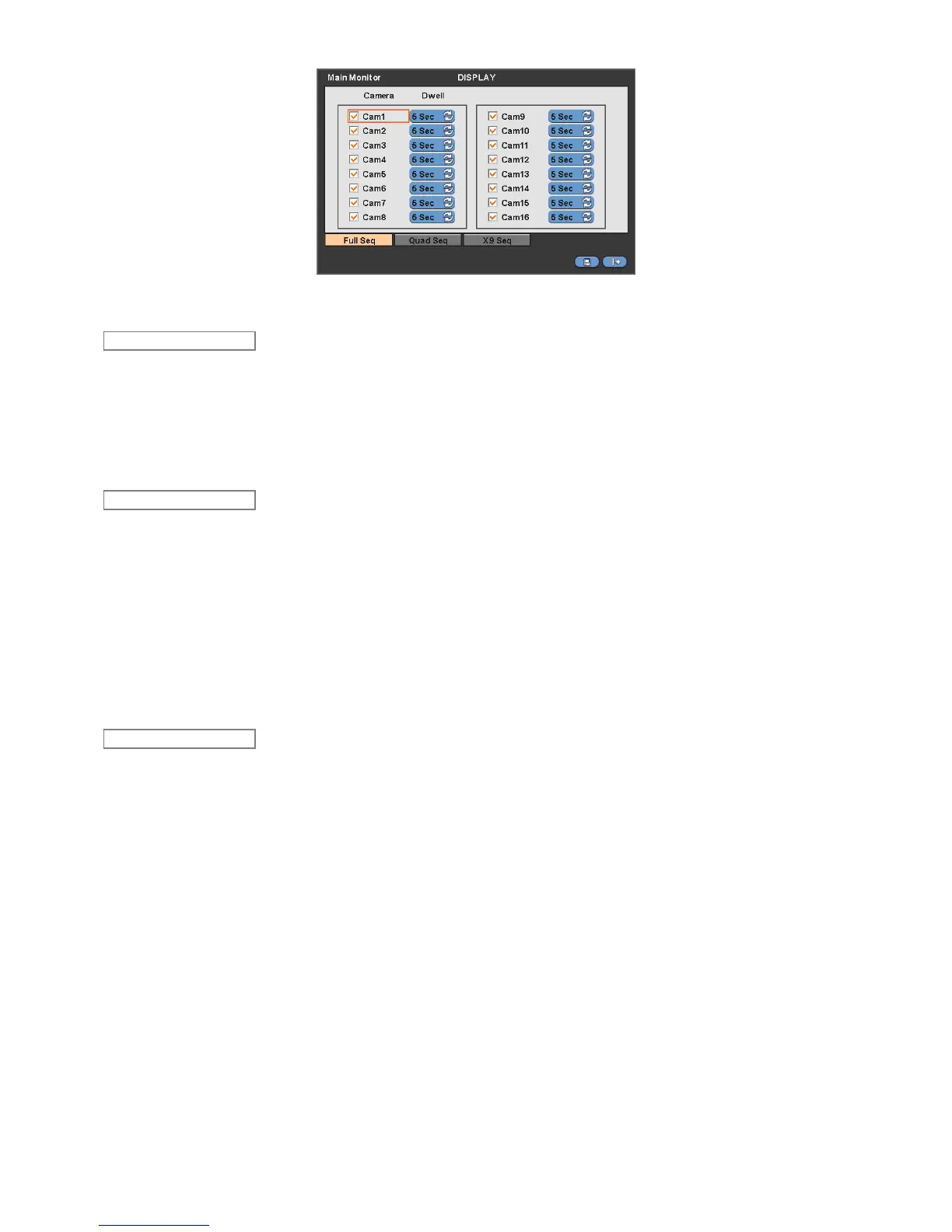
The Main Monitor menu will allow user to adjust channel sequencing interval of Main monitor.
Adjust interval for ‘Full screen sequencing’.
Check check box next to the camera that wish to include in sequencing. Any camera with unchecked check box will be
excluded from channel sequencing.
Adjust the rotation interval of camera by clicking Dwell column. The rotation interval changes to 3>5>10>15>30>60 seconds
by each press.
Use only with 8 / 16 channel DVRs.
Adjust interval for ‘X4 Split Screen sequencing’.
Check check box next to the camera that wish to include in sequencing. Any camera with unchecked check box will be
excluded from channel sequencing.
Adjust the rotation interval of camera by clicking Dwell column. The rotation interval changes to 3>5>10>15>30>60 seconds
by each press.
‘4 Split Screen sequencing’ is disabled in the following modes.
- 8 channel DVR: 3x3 Mode
- 16 channel DVR: 4x4 Mode
Use only with 16 channel DVR.
Adjust interval for ‘X9 Split Screen sequencing’.
Check check box next to the camera that wish to include in sequencing. Any camera with unchecked check box will be
excluded from channel sequencing.
Adjust the rotation interval of camera by clicking Dwell column. The rotation interval changes to 3>5>10>15>30>60 seconds
by each press.
‘9 Split Screen sequencing’ is disabled in 4X4 Mode.
4.3.3 Spot Monitor
Please click ( ) DISPLAY>Spot Monitor and the following screen will appear.
X9 Seq
Quad Seq
Full Seq


 To Next Page
 Loading...
