28
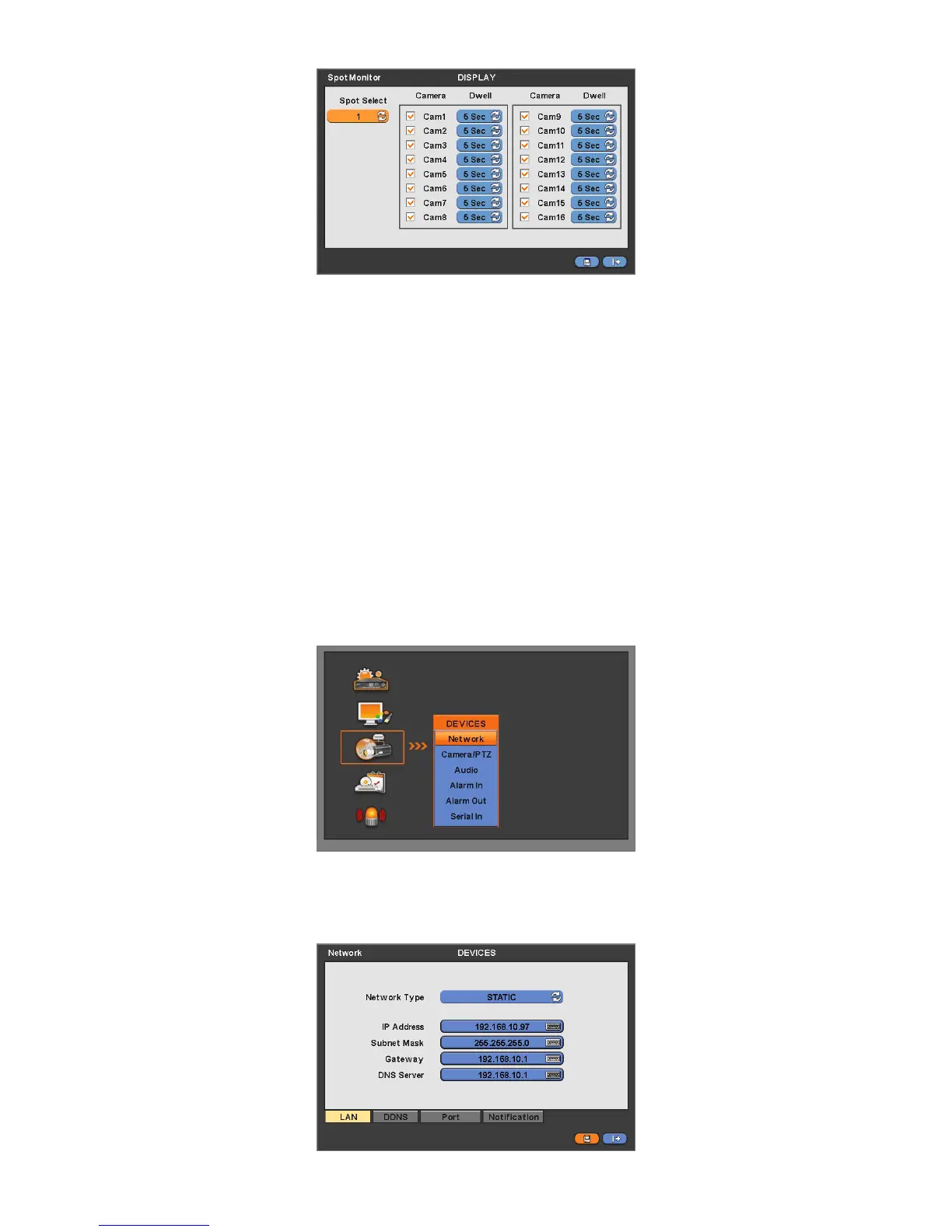
This menu will allow adjust interval of channel sequencing of Spot monitor.
Click ( ) Spot Select to choose Spot monitor to be set up.
Check (check box next to the camera that wish to include in sequencing. Any camera with unchecked check box will be
excluded from channel sequencing.
Adjust the rotation interval of camera by clicking Dwell column. The rotation interval changes to 3>5>10>15>30>60 seconds
by each press.
4.3.4 Spot Monitor Control on Display Mode
Every click of the “SPOT” menu item on mouse right click menu will indicate “SP”, “SP1” on the right bottom of main monitor.
- SP mode: Sequential display is activated as configured on spot monitor Setup menu.
- SP1 mode: Displayed channel on Spot monitor 1 can be changed by pressing channel button. Sequence stops at “SP1”
mode.
4.4 DEVICES
Please click ( ) DEVICES and the following screen will appear.
4.4.1 Network
Please click ( ) DEVICES>Network and the following screen will show.



 To Next Page