66
8.5.3 Recording Status
Camera is in normal operation.
Recording is stopped.
Above the maximum number of cameras allowed.
8.5.4 Motion Recording Status
Camera is in normal operation.
Recording is stopped.
Above the maximum number of cameras allowed.
8.5.5 Alarm In Connection and Operating Status
Camera is in normal operation.
Recording is stopped.
Above the maximum number of cameras allowed.
8.5.6 Alarm Out Connection and Operating Status
Camera is in normal operation.
Recording is stopped.
Above the maximum number of cameras allowed.
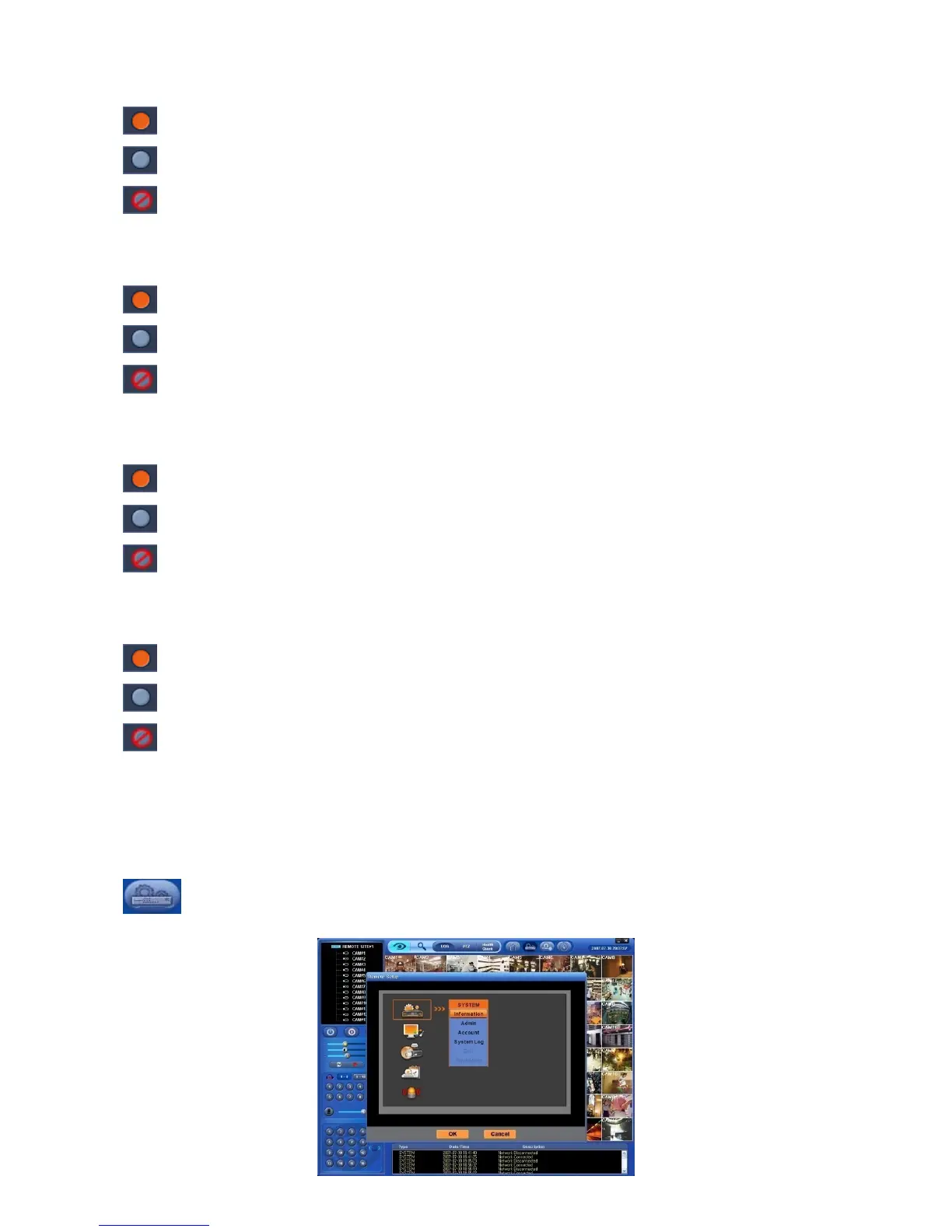
8.6 Remote Setting
User may change DVR’s Menu setup through CMS.
Remote Setting works only in Watch mode.
Click on REMOTE SETTING button in Watch mode and the following SETUP menu same as DVR’s will appear
on CMS screen.



 To Next Page