Need help?
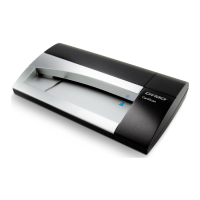
Do you have a question about the Dymo CardScan Personal and is the answer not in the manual?
Guide for installing CardScan software on a Windows operating system.
Guide for installing CardScan software on a Mac OS operating system.
Instructions for connecting the CardScan scanner to a computer via USB.
Steps to start and set up the CardScan software on Windows.
Steps to activate and start the CardScan for Outlook Add-In.
Steps to start and set up the CardScan software on Mac OS.
 General
| Film scanning | No |
|---|---|
| Input color depth | - bit |
| Maximum scan size | 86 x 60 mm |
| Flatbed scan speed (b/w, A4) | 5 sec/page |
| Scanner type | Business card scanner |
| Sensor type | CCD |
| Minimum RAM | 64 MB |
| Minimum storage drive space | 120 MB |
| USB port | Yes |
| USB version | 1.1 |
| Standard interfaces | USB 1.1 |


 To Next Page