L. Installing the TEMPERATURE SENSOR
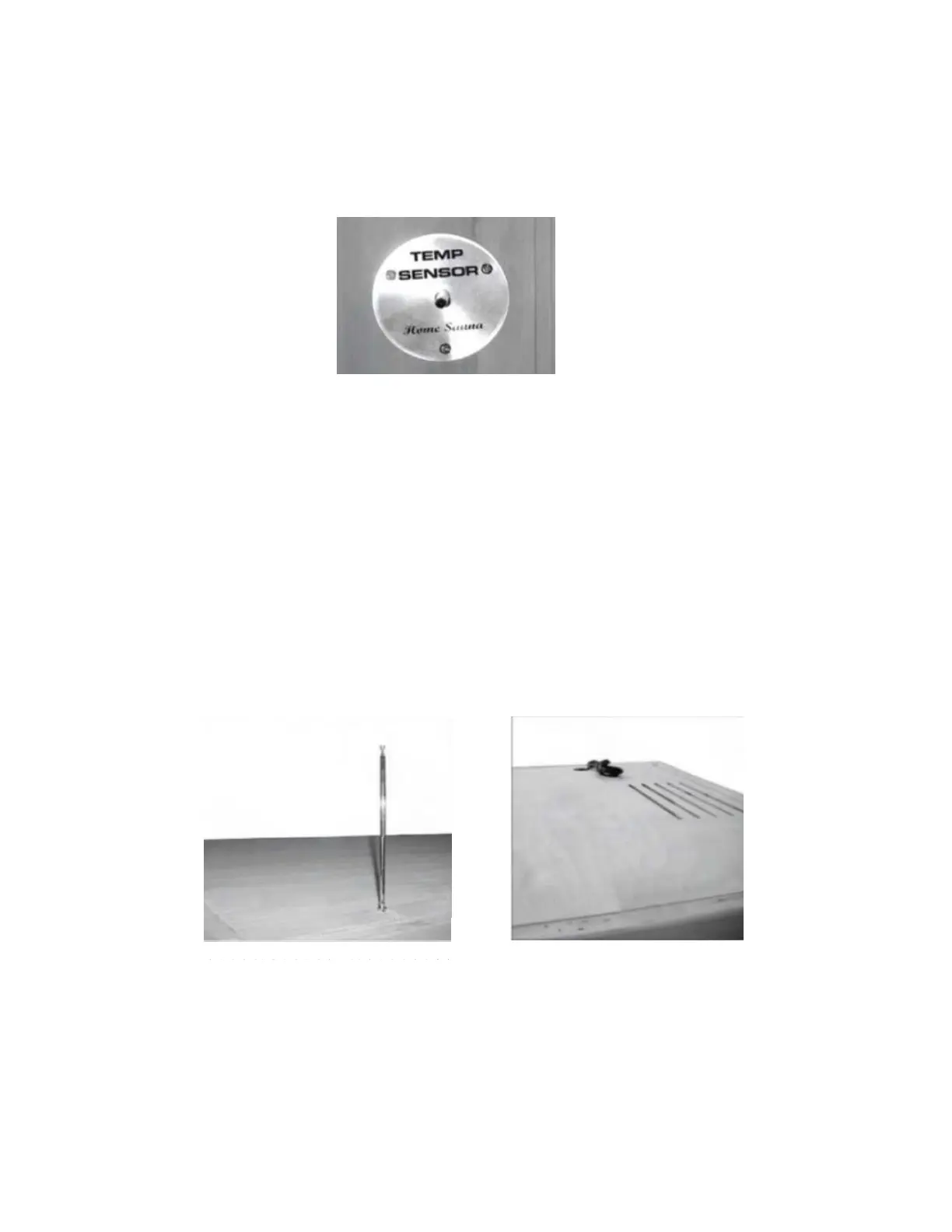
1. Enter the sauna and remove the protective covering from the TEMPERATURE SENSOR.
Situate the TEMPERATURE SENSOR so that it is vertical and pointing downward. (see
Figure 32)
Figure 32
Note: Some sauna models are shipped with a spare TEMPERATURE SENSOR in case the
TEMPERATURE SENSOR is damaged during transit. The manufacturer decides this according to
sauna models and packaging.
M. Putting on the ROOF COVER
1. Place the ROOF COVER over the top of the sauna. Be cautious when pulling the power cord
through the hole in the roof cover. Slide the antenna through the slot allotted. Gently place
the ROOF COVER onto the ROOF PANEL. When the edges are aligned, screw the ROOF
COVER to the roof panel. (see Figure 33 and 34)
Figure 33 Figure 34
K. Optional Shelf
1. If your sauna comes with the optional shelf, use the screws provided to mount the self
on either the side panels or front panel.



 To Next Page