EasyManua.ls Logo

Dynascan PMR446 - User Manual

Dynascan PMR446
11 pages
Print Icon
To Next Page IconTo Next Page
Loading...
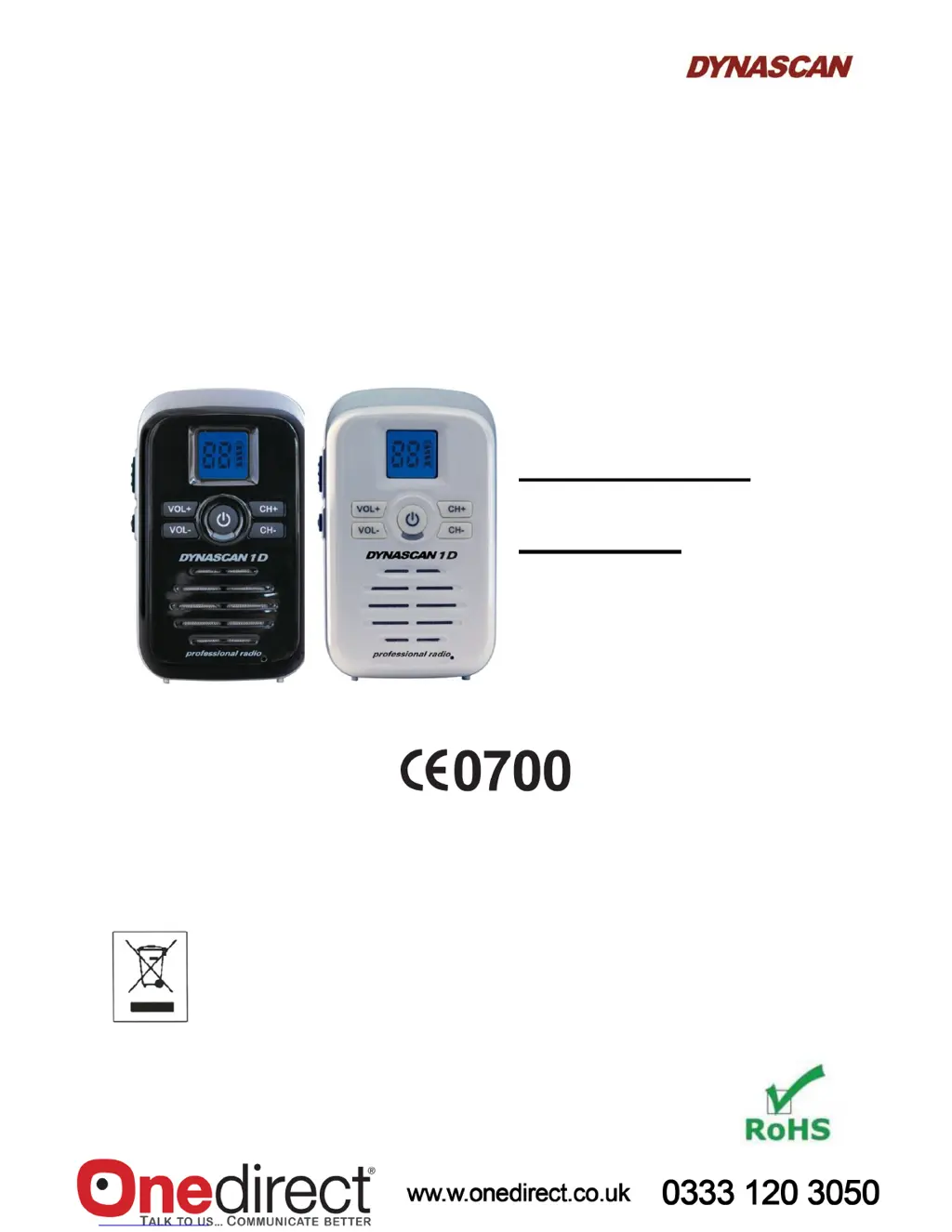
PMR446 Portable
Two-Way Radio
Instruction
Manual
Dynascan 1D
Lic
ence-free PMR446 two-way radio for instant free communication
This equipment is marked with the symbol for the selective relative classification of the waste of
electric and electronic equipment. This means that his product must be disposed of at a designated
collection point for the recycling of waste electrical and electronic equipment according to the
European Directive 2012/19/EU, with the intention of being either recycled or dismantled in order
to reduce any impact on the environment. For more information, please contact your distributor,
reseller or the local or regional administration.
Electronic products that have not been disposed of in this way are potentially dangerous for the
environment and public health due to the possible presence of dangerous substances.

Questions and Answers

Summary

Safety Precautions

Getting Started

Charging the Battery

Details on how to charge the radio's battery pack using the provided adapter and charging station.

Basic Operation

Power On;Off

Steps to turn the radio on and off using the power button.

Channel Select

How to change channels using the CH+ and CH- buttons.

Volume Adjust

Instructions for adjusting the audio volume level on the radio.

Transmit

Procedure for transmitting audio using the PTT button.

Advanced Operation

Emergency Button; Alarm

Activating and deactivating the emergency alarm function.

Technical Specifications

Troubleshooting

Dynascan PMR446 Specifications

General IconGeneral
BrandDynascan
ModelPMR446
CategoryTwo-Way Radio
LanguageEnglish

Related product manuals