EasyManua.ls Logo

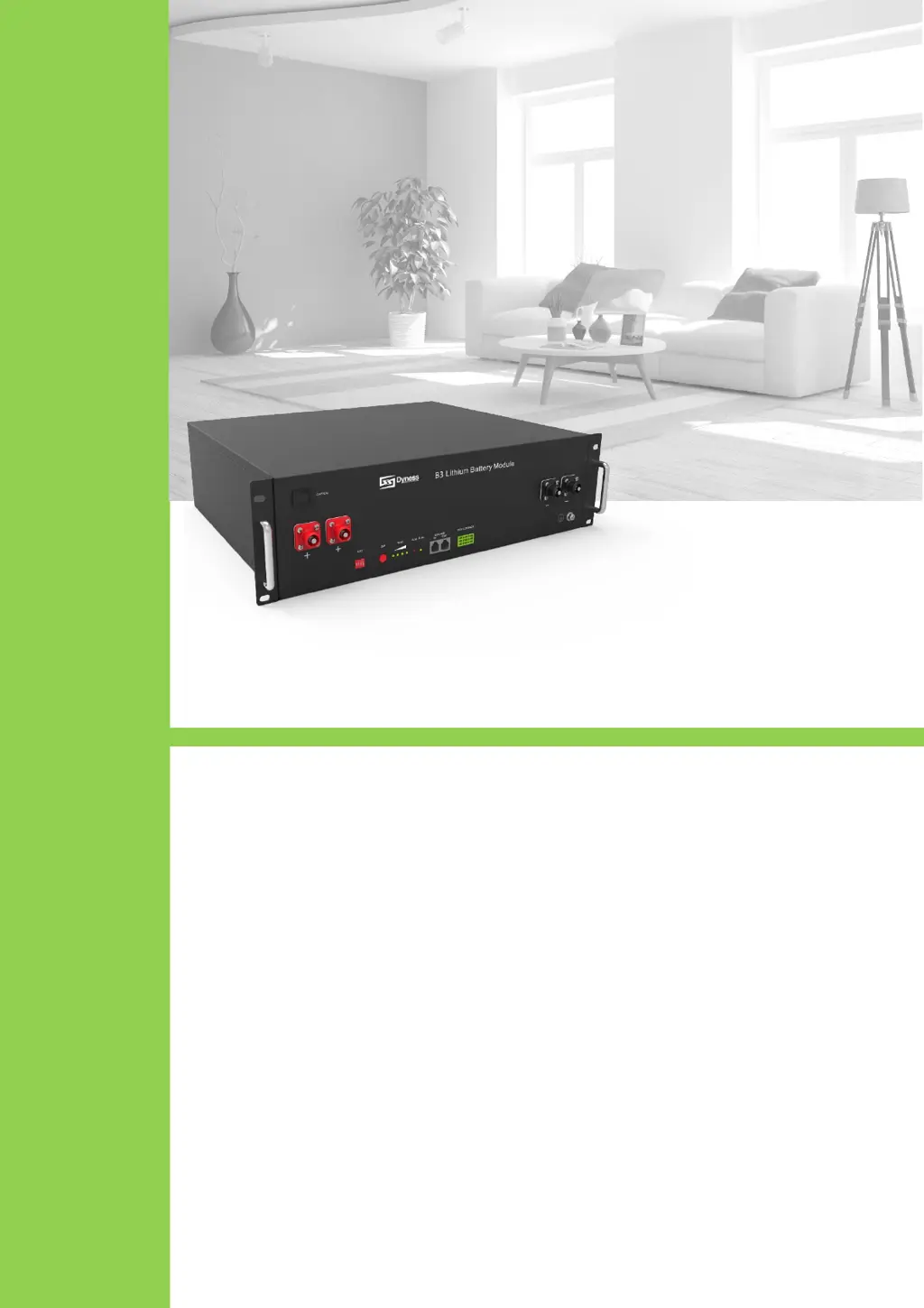
Dyness B3 ESS B4870 - User Manual

Dyness B3 ESS B4870
22 pages
Print Icon
To Next Page IconTo Next Page
Loading...
B3 ESS Unit
User Manual

Questions and Answers

  • K
    kristopherknoxAug 11, 2025
    What to do if Dyness B3 ESS B4870 power line sparks and ALM light is RED?
    • W
      William SalasAug 11, 2025
      If the Dyness Camera Accessories power line sparks and the ALM light turns red upon powering on, it indicates a power connection short-circuit. Turn off the battery and check for the cause of the short circuit.
  • A
    Ashley Murphy DDSAug 17, 2025
    Why the battery of my Dyness B3 ESS B4870 can't be fully charged?
    • B
      Bryan OdonnellAug 17, 2025
      If your Dyness Camera Accessories battery isn't fully charging, it might be due to a low charging voltage. You should adjust the charging voltage to 53.5V.
  • L
    Lawrence Fleming MDAug 22, 2025
    Why is the DC power supply time too short for my Dyness B3 ESS B4870?
    • A
      Angela HartAug 23, 2025
      If your Dyness Camera Accessories provides DC power for a shorter time than expected, it's likely that the battery capacity has decreased. You should consider replacing the storage battery.
  • K
    Kelly MckenzieAug 29, 2025
    What to do if there is no DC output from Dyness B3 ESS B4870?
    • D
      Deborah ArmstrongAug 29, 2025
      If there's no DC output from your Dyness Camera Accessories, it could be due to an abnormal battery data status. Connect the network management to the backstage supporter server to read the battery information.
  • E
    Eric FergusonSep 4, 2025
    How to troubleshoot a Dyness B3 ESS B4870 indicator that doesn't respond after power on?
    • J
      Julie BrownSep 4, 2025
      If the indicator on your Dyness Camera Accessories doesn't respond after powering on, the power switch might be broken. Check the power switch.

Dyness B3 ESS B4870 Specifications

General IconGeneral
BrandDyness
ModelB3 ESS B4870
CategoryCamera Accessories
LanguageEnglish

Related product manuals