Setting up the USB card
5
Installing the software drivers
To install drivers for Windows XP SP1 (or later) and
Windows 2000:
Note: Driver installation steps may vary from the steps listed
below if you use an upgraded operating system. If the screen
messages differ from the instructions below, follow the
on-screen prompts.
1 Make sure that you have installed the card into your
computer, then turn on your computer.
2 When Windows starts, insert the DX-2P2C CD into your CD
or DVD drive.
3 Run the file setup.exe on the CD. The installation wizard
opens.
4 Click Next.
5 Select Install USB 2.0 Driver, then click Next.
6 Click Yes to continue. Your computer restarts when the
installation is complete.
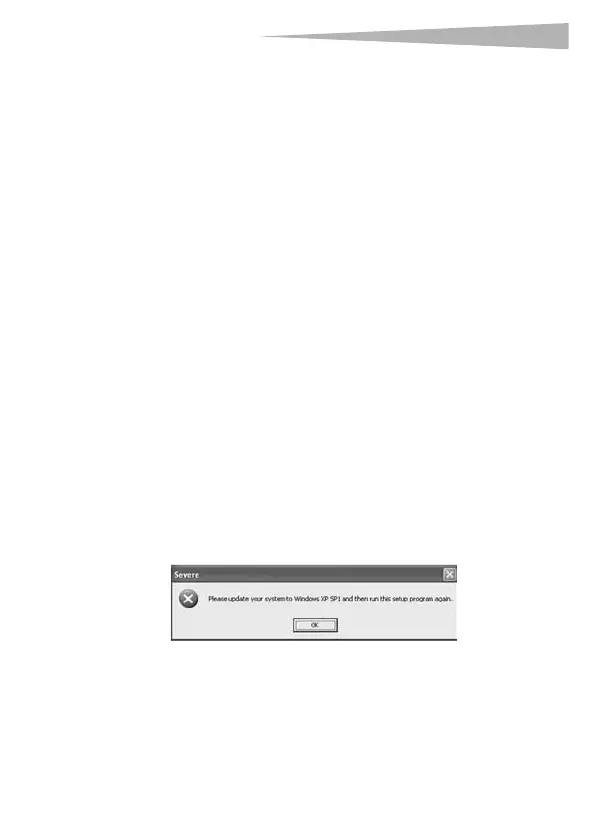
Note: Microsoft EHCI drivers for Windows XP are not included
in this package. If the following window appears, please
update your system to Windows XP SP1 or SP2, then run the
setup program again.
DX-2P2C.fm Page 5 Friday, April 21, 2006 4:48 PM



 To Next Page