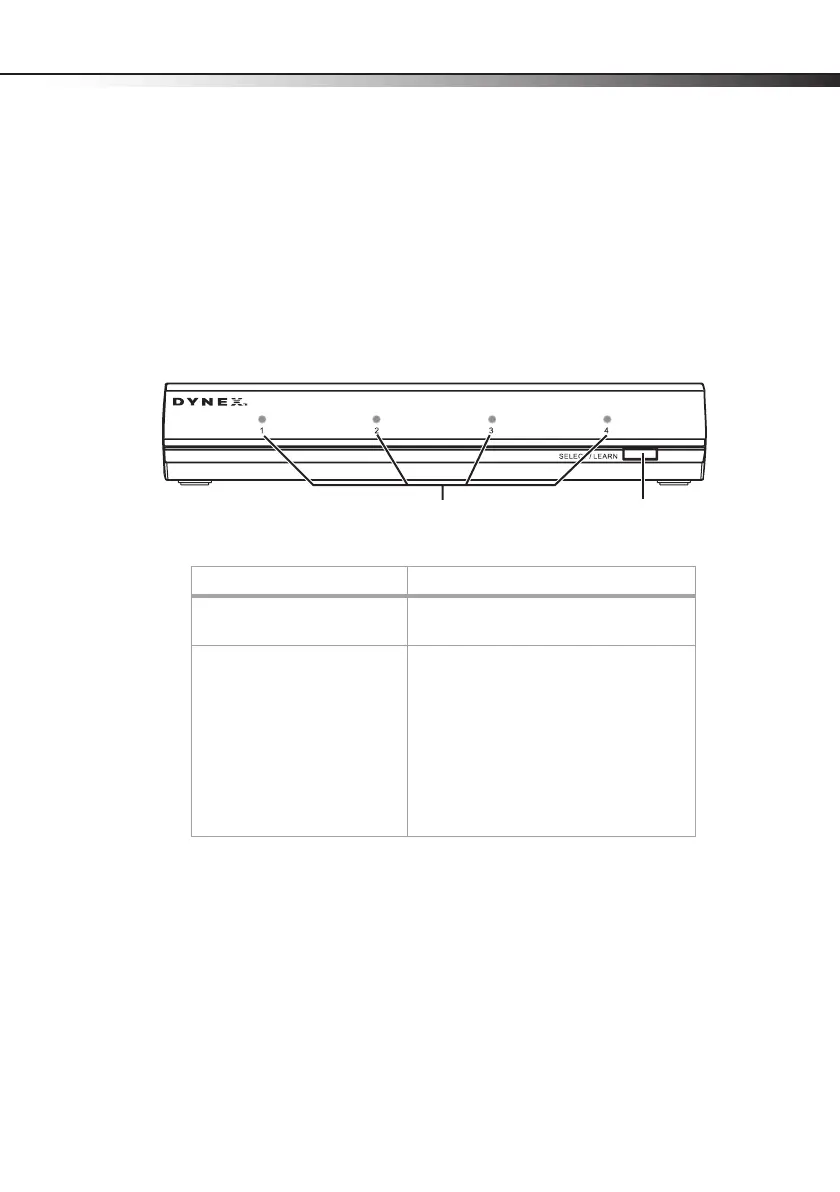
Component video selector parts
3
Package contents
• Component video selector
• AC power adapter
•Remote control
• AAA batteries (2)
• User Guide
Front
Component Description
LEDs for connected devices The LED for a connected device lights when
the device is selected.
SELECT/LEARN button Press to select a connected component video
device. When a device is selected, the
corresponding LED lights. For more
information, see “Manually operating the
component video selector” on page 8.
Press to program the selector to work with
original equipment remote controls. For
more information, see “Programming the
component video selector” on page 9.
LEDs for
connected devices
SELECT/LEARN
button



 To Next Page