Timing:Buttons can be set into the timing of the state, the time is 1-24 hours “Hr”
sign is bright.
Wind speed:
The speed key is valid only in normal mode and Fan mode.
Sleep mode:
Press the sleep button to enter sleep mode except for the sleep light when it enters
sleep, the rest of the light is off.
Fan: when pressing the button, the indicator lights is on,
fan speed can be set.
compressor is off ,
Defrosting:
The evaporator in the dehumidifier may defrost automatically if it is operated in the
room
temperature less than 18 °C. The defrosting device may start up and operate for
some time (about 5 minutes) automatically every 25 minutes or even longer.
Wifi:
Download “Tuya Smart” application to your mobile device.
Under the stand-by mode, press dehumidification mode button on appliance and hold
for 5 sec. until wifi light blinking and add the appliance to “your devices” in Tuya Smart
application.
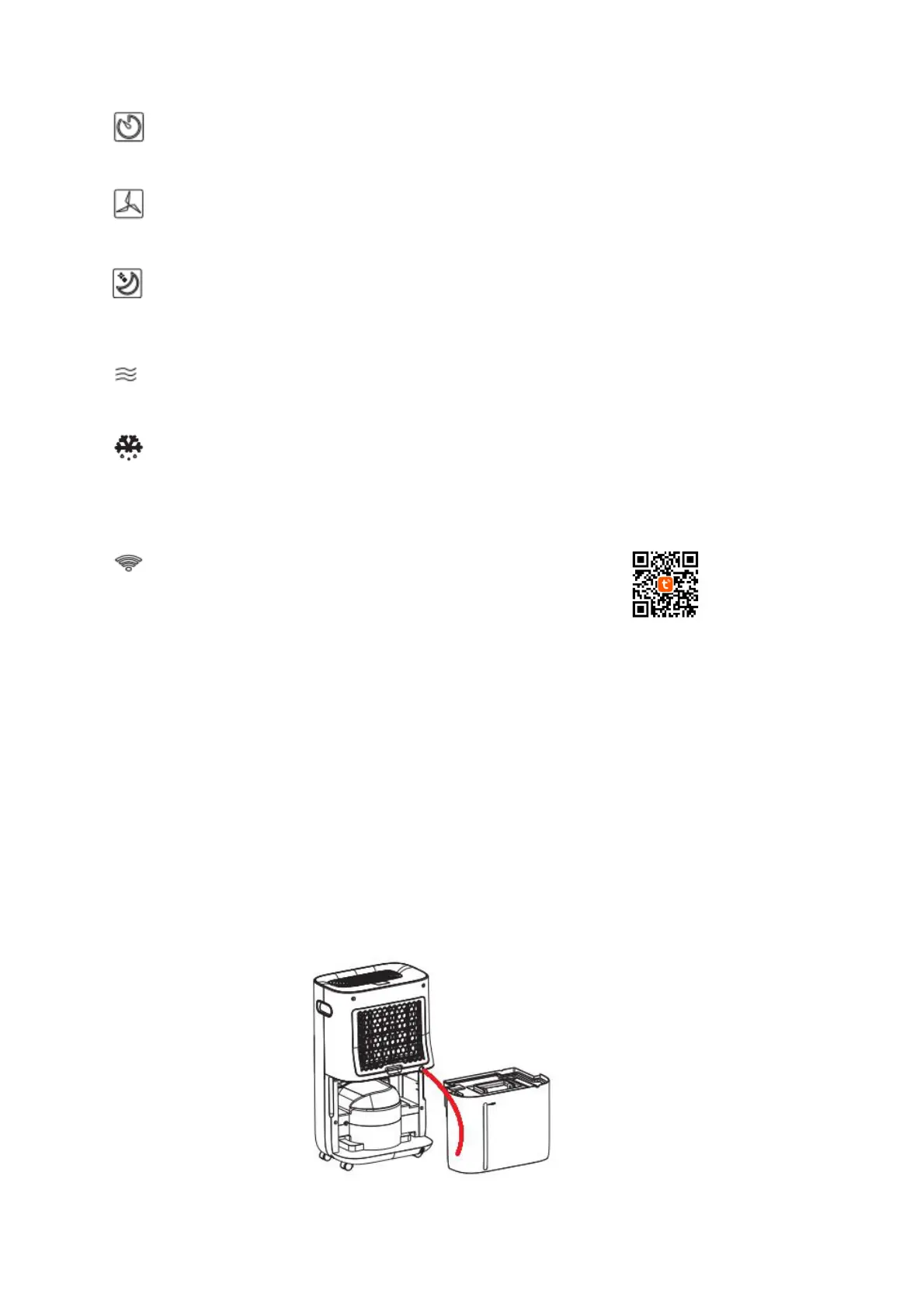
Continuous condensate draining via the drain hose
For continuous draining of condensate, pull off the plastic plug from the back off the
appliance. (Keep it for future use.)
Properly fix in the end of the drain hose. Locate the free end of the hose so that the
condensate can flow out freely. The container or place where the condensate is
drained must be lower than the outlet. Do not bend or twist the hose.
When not using the drain hose for continuous draining of condensate disconnect the
hose and close the outlet by using the plug.


 To Next Page