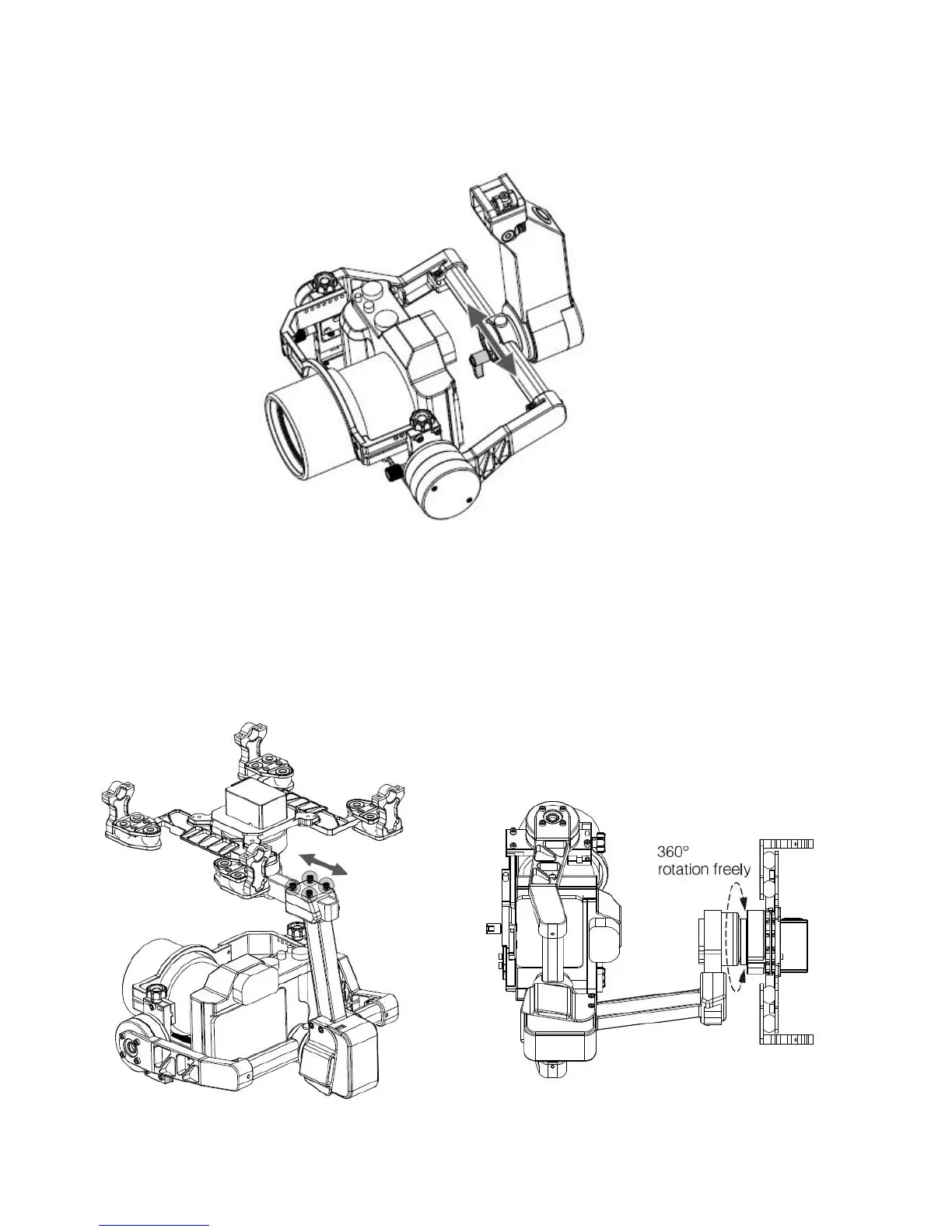
2) Roll balance
After finished pitch balance, the camera will stay in the position you turn.
a. Loosen the two screws as picture to allow the camera move to left or right b. Adjust to make the camera can
remain level after removed your hands;
c. Lock the screw to finish adjustment.
3) Pan balance
After second step, invert the gimbal to anti-clockwise 90°, the camera can stay in the position you turn a. Loosen
the4 screws as picture to move the camera forwards or backwards;
b. Adjust forwards or backwards to make the camera can remain level while removed your hands;
c. Lock the screw to finished pan balance.



 To Next Page