Fitting notes
5
service manual
2
3
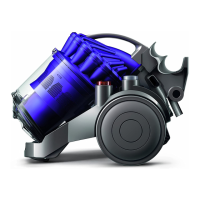
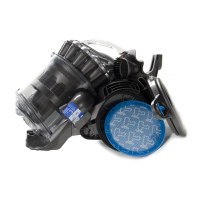
Press the release catch to remove the
cyclone and bin assembly from the product.
1
Unclip the wand assembly from the side of
the cyclone assembly and unwrap the hose
assembly from around the product. Press the
release catch to remove the end of the hose
from the inlet on the side of the product.
Unclip the retaining bracket and remove
from the front of the machine.
If necessary the bin can be removed from the
cyclone assembly by pressing the bin release
catch.
All screws used in DC21
are M3.5 x 16 Torx T-15
unless otherwise stated.
Some female terminal clips
used in DC21contain a lock
mechanism. The mechanism
will need to be pressed
before separation from the
male terminal can occur.
Main body - dismantle
Please ensure that safety goggles are worn at all times whilst servicing Dyson vacuums.
Before attempting any repairs it is vital to
ensure the product is totally isolated from the
mains supply and that accidental reconnection cannot occur.
General notes
Where this symbol is shown, ensure ESD protection is used.



 To Next Page