Fitting notes
6
service manual
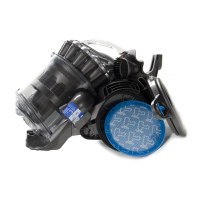
Unclip the post filter cover catch using a flat
bladed screwdriver. Carefully remove the
cover and filter.
Unclip the pre-filter cover from the locating
point on the upper motor cover (UMC). Pull
the pre-filter cover away from the machine
until it releases from the hinge points.
Remove the pre-filter assembly.
Remove the six screws from the UMC. Pull the cable out slightly and lift the UMC off the Lower Motor
Cover (LMC) assembly.
4
7
6
5
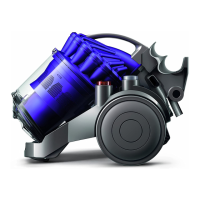
Firmly pull the wheel assemblies off the sides
of the product.



 To Next Page