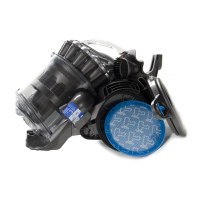
Press the lower retaining clip from inside the
UMC to remove the cable collar.
Separate the collar from the powercord.
Should any parts of the bleed valve need
replacing, carefully push out from the
outside of the UMC using a thin, flat
bladed screwdriver.
To replace the bleed valve, assemble in the
above order.
To remove either actuator or spring, unclip
from the inside of the UMC with the aid of a
pair of long nosed pliers.
To refit, locate the springs, then actuators
from the outside of the UMC, and firmly
snap in.
Fitting notes
8
9
10
11
7
service manual



 To Next Page