- 8 -
Alarm feature (Alarm1 and Alarm2)
You can programme two alarm times into your kit-
chen radio.
1. Press the button ALARM 1
f
(or ALARM 2
d
). The
last set alarm time and the symbol for the type
of alarm are shown on the display.
2. Press the buttons UP/DOWN
s
to set the desired
alarm time.
3. Press the button ALARM 1
f
(or ALARM 2
d
)
repeatedly until the desired alarm function (see
table above) is shown on the display.
4. Press the button ALARM MODE
o
to set the week-
days on which you require the alarm function:
You can select between workdays (Mo, Tu,
We, Th, Fr), weekends (Su, Sa), whole weeks
(Su, Mo, Tu, We, Th, Fr, Sa) or the present
weekday. The selected setting is shown on the
display.
5. Press the button ALARM MODE
o
repeatedly until
the desired alarm days are programmed in.
Keep the button
ALARM MODE
o
pressed down
until a single day appears on the display.
6. Press the button ALARM MODE
o
to set the requi-
red weekday.
To return to the selection of workdays, weekends or
whole weeks, once again hold the button
ALARM
MODE
o
briefly pressed down.
7. Press the button MODE SETTING
i
to save the
settings and to return to automatic mode.
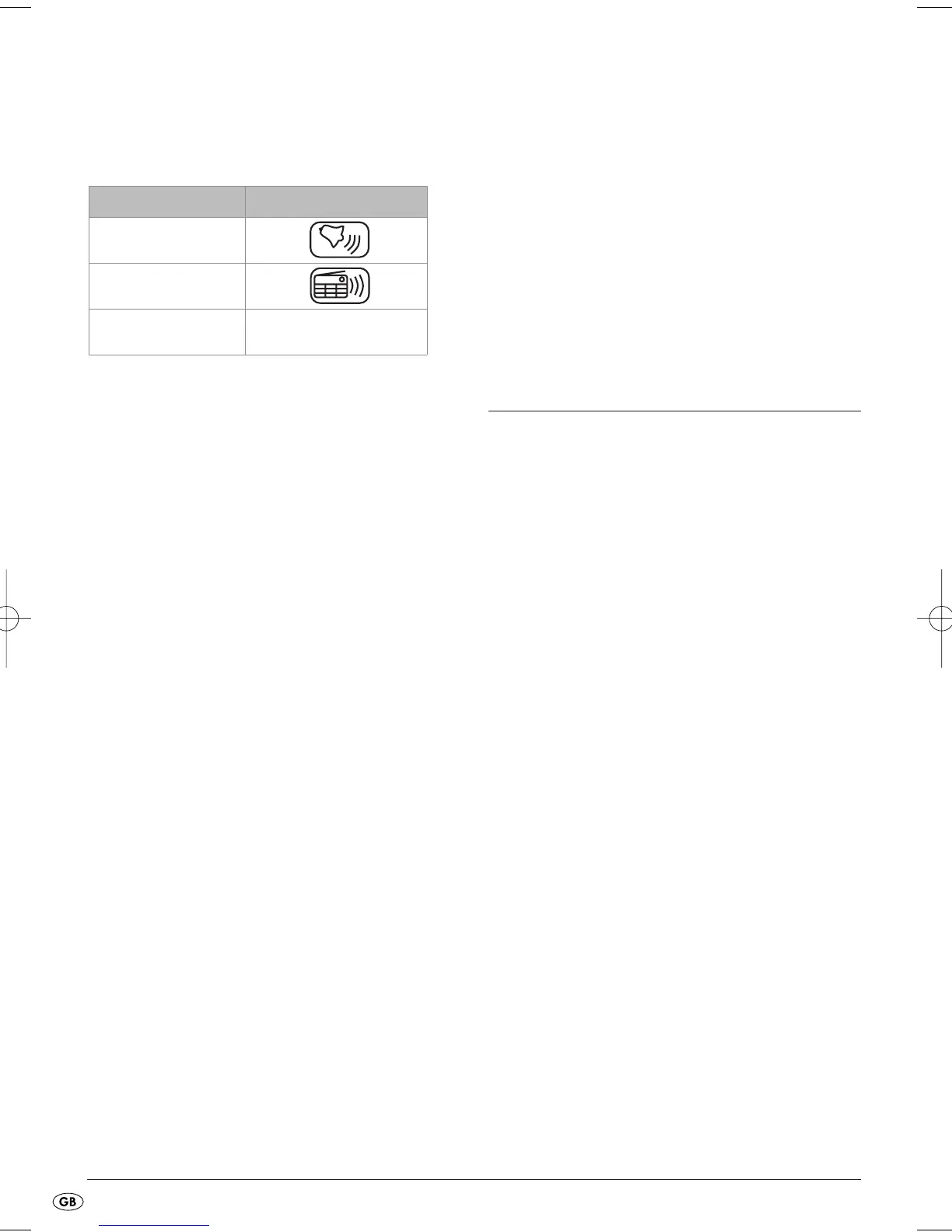
Alarm function Symbol in the display
Acoustic signal
Radio
Switched off no symbol
When the alarm signal sounds...
• and the alarm function "Radio" has been selected,
the radio plays for one hour at a pre-defined
alarm volume. To switch it off, press the button
ALARM 1
f
or ALARM 2
d
.
• and the alarm function "Signaltones" has been
selected, the signal tone sounds for 10 minutes.
To switch it off, press the button
ALARM 1
f
or
ALARM 2
d
.
Radio operation
Manual station selection
1. Press the button POWER
t
. The currently selected
frequency is shown in the display.
2. Press the button UP
s
to raise the frequency.
3. Press the button DOWN
s
to lower the frequency.
Automatic station search
You can have the kitchen radio search for stations.
The kitchen radio searches the frequency range until
it finds a station.
1. Press the button POWER
t
.
2. Keep the button UP
s
pressed down for two
seconds: the kitchen radio searches for the
station with the next highest frequency.
3. Keep the button DOWN
s
pressed down for two
seconds: the kitchen radio searches for the sta-
tion with the next lowest frequency.
Repeat these steps until you have found a radio sta-
tion to your liking.
Programming stations
With the buttons 1-6
r
you can save 60 radio
stations.
1. Press the button POWER
t
.
2. Find a station as described in the section
"
Automatic station search
".
3. Press the button MEMORY SETTING
u
. "MEM"
blinks on the display.



 To Next Page