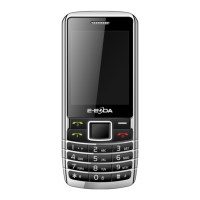
returning to a previous menu
when used outside of the idel
Press it to hung up a call.
Long press it to turn the
phone on or off. Press it in
any screen to return to the
number, answer an incoming
call. Displays the call history
menu when used on the idle
screen outside of a call.
Press * to input one of the
following symbols: *, +, P, W.
Basic functions
Making a call
When the cellular network service provider’ name appears
on the main screen, you can receive or make a call through
the network. The received signal strength is shown on the
up left corner of the screen (the maximum of 5 lines


 To Next Page