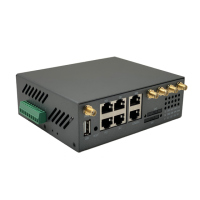
H900 Quick Start
E-Lins Technology Co.,Limited
Tel: +86-755-29230581 E-mail: sales@e-lins.com www.e-lins.com www.szelins.com
“DHCP mode” or “PPP mode”. Normally system will automatically select
If the SIM card uses PIN code, please put here. Wrong PIN code makes router no work.
If the SIM card doesn’t use PIN code, please keep blank here.
Fill in the right parameters. Get this parameter from the Sim Card Provider or Carrier. With
experience, most of time, 2G/3G/4G use *99#, and CDMA/EVDO use #777.
Fill in the right parameters. Get this parameter from the Sim Card Provider or Carrier;
Fill in the right parameters. Get this parameter from the Sim Card Provider or Carrier;
Need set “Username” and “Password”
Need set “Username” and “Password”
Most of SIM cards or Carriers/Operators just use one APN, but some use two APNs. Check
this feature to use.
Second APN: configure it referring to “APN”;
Second Authentication method: configure it referring to “Authentication method”;
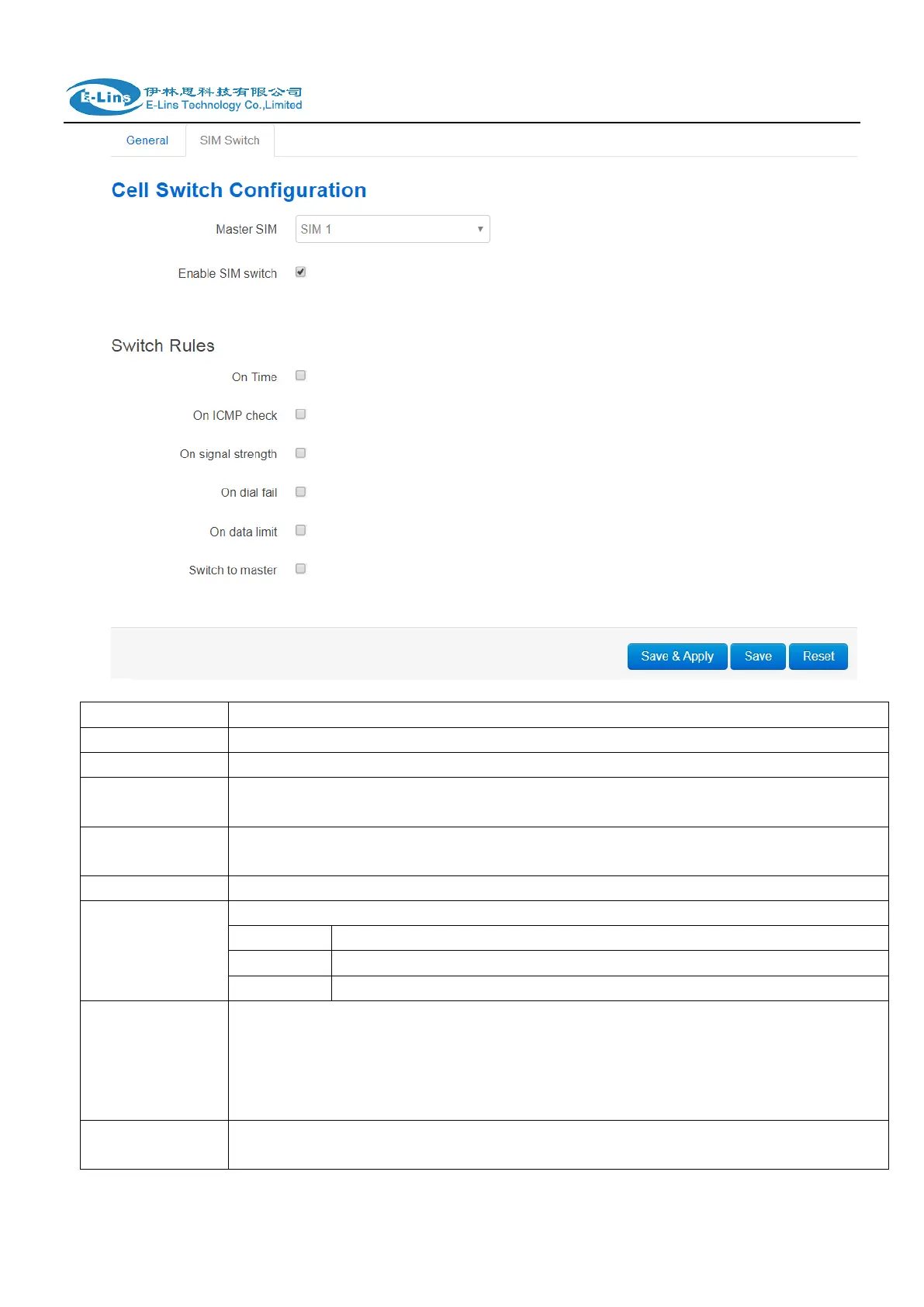
sim2: configure it referring to “sim1”; 2 sim cards can choose different operators, 1 sim card
works, and the other is a backup


 To Next Page
 Loading...