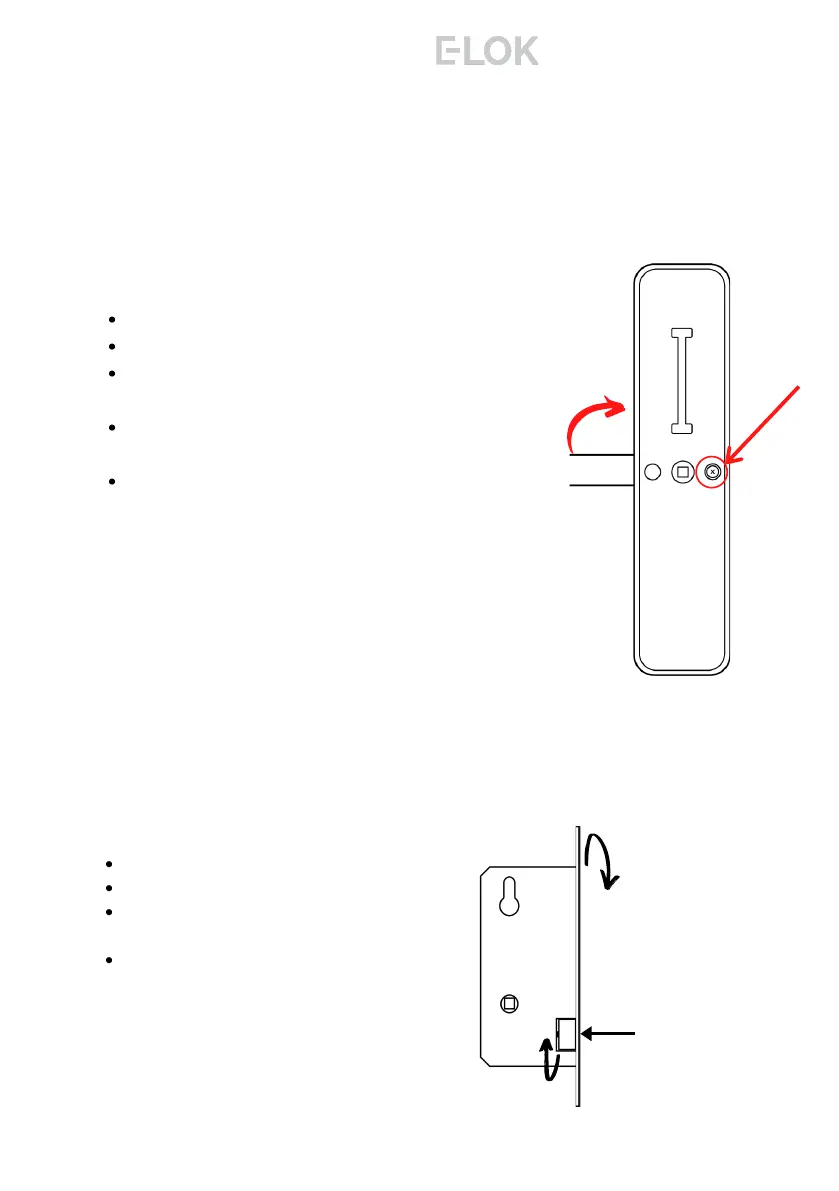
To reverse the Mortice Lock:
Turn lock upside down
Push latch into lock case
Holding latch in lock case, rotate 180
degrees
Release latch to full extended position.
Locate handing screw as shown on right:
Un-do and remove handing screw.
Rotate entire lever 180 degrees into
opposite position.
Re-install handing screw in opposite
position.
Test lever action, ensure both handing
screw and hex lever screw is tight.
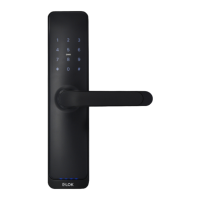
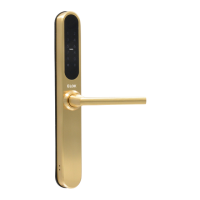
Complete this same process for the second E-
LOK 8-Series panel.
Ensure handing screw is tight before moving on.
Steps to change the handing on E-LOK 8-Series:
9
Adjusting The Handing:
Flip Lock
Press latch
tongue in &
rotate
8 - S e r i e s



 To Next Page