www.estar.eu
3
EN Bluetooth Sele Stick User Instruction
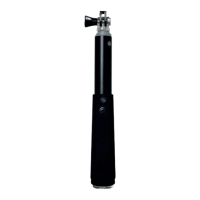
Sele Stick
Contains
1. Sele stick with built-in Bluetooth shutter and phone
mount 2. Wrist strap 3. USB cable 4. User manual
Sele Stick User Manual
1. Long press the power button for 3 seconds to turn
on the Bluetooth Sele Stick. Slow ashing of blue light
indicates matching status, when the device is search-
able by cell phone. Device name is “Sele Stick” 2. The
blue light stops ashing when the matching is com-
pleted succession. Short press the shutter button to
take photos. 3. Long press the button for 3 seconds to
power o. 4. If no action is take place within 3 minutes
after successful connection, the Bluetooth Sele Stick
will enter standby mode to save power. Short press
the shutter to wake up, if no action is taken place for 1
hour, the sele stick will automatically be turned o.
5. If you are unable to take photos successfully, please
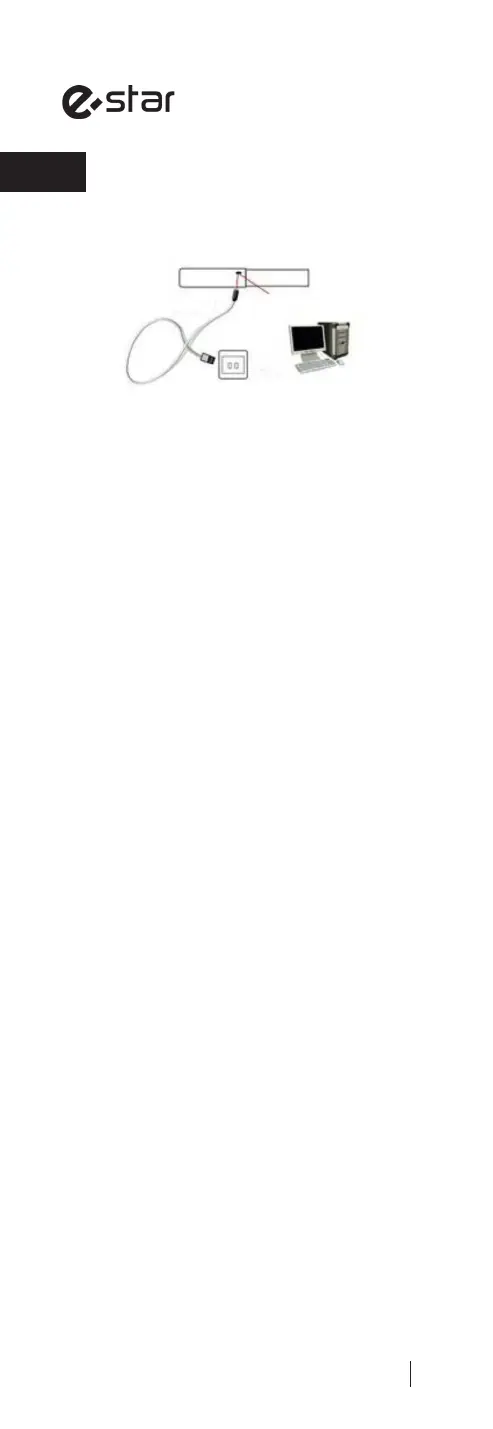
check the battery level. Please recharge the Bluetooth
Sele Stick with USB cable if necessary.
Warning
1. Do not dismantle or modify the product;
2. Do not store the product in wet conditions;
3. Do not keep or use the product near the heat
sources;
4. Do not let water or any other liquid ows into the
inside part of the product’s interface. This would cause
damages to the product.
Disposal of Electronic Products
1. Do not place the product as household wastes. 2.
Please dispose of electronic priducts products properly
according to local regulation; 3. We encourage you to
participate in electronics recycling program.
USB cable
USB Port to Power Plug to Computer
or
Micro USB Charging Port


 To Next Page
 Loading...