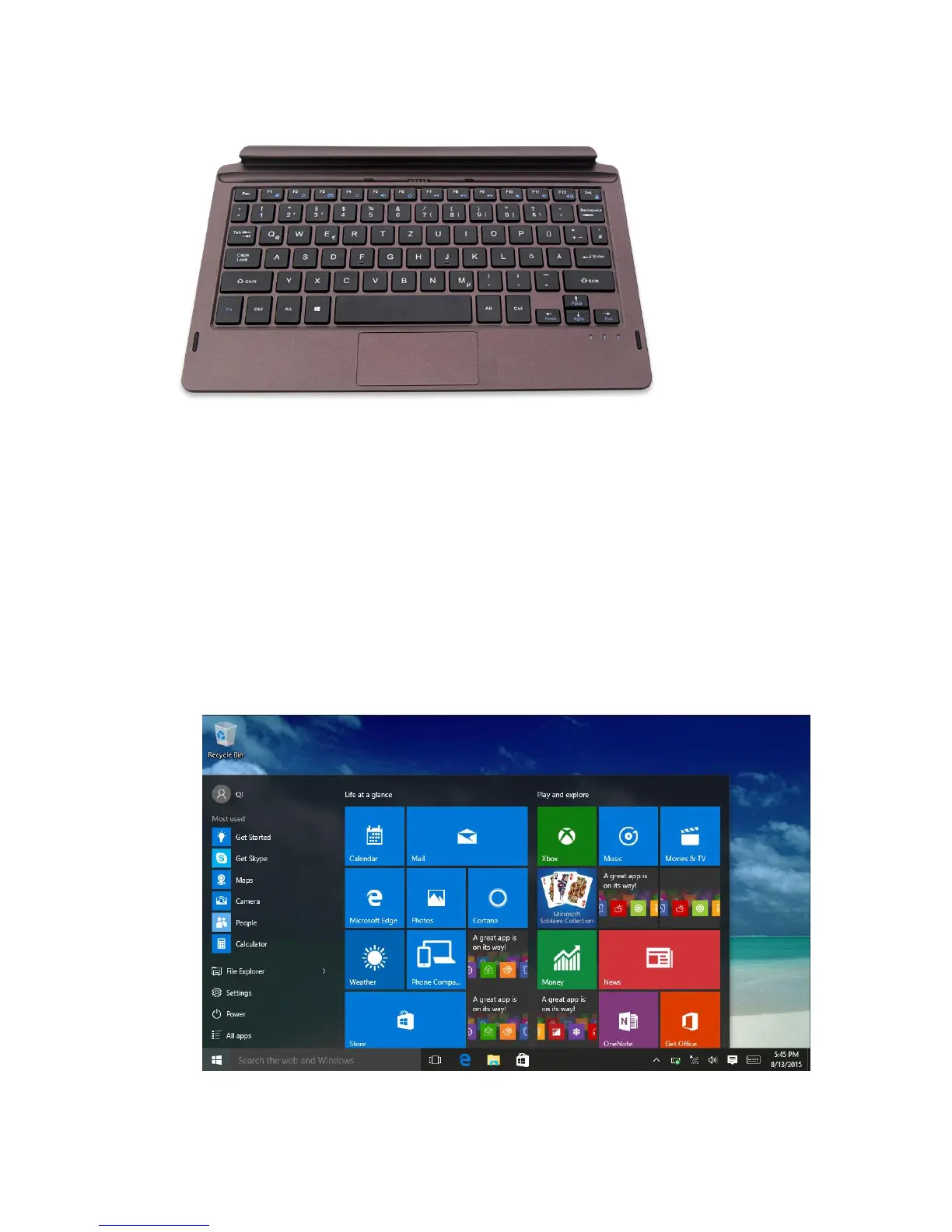
Keyboard appearance chart
IV. Introduction to Desktop
1. Windows 10 start image: On the start screen, you can see many programs fixed in
the image. These application programs are displayed in the form of “magnet”. As long
as you click them, you can easily visit them.
You need to log on your Microsoft account before the application program completely
runs.
2. Image slide applications



 To Next Page