4
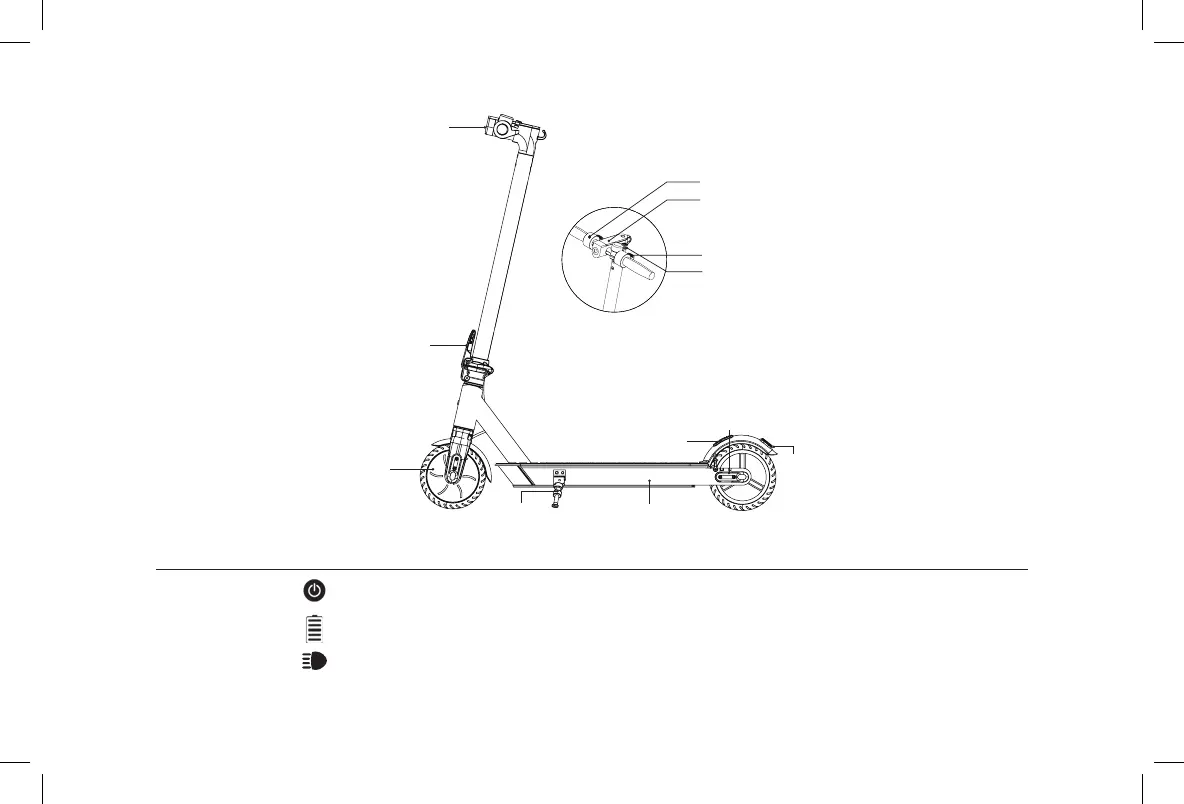
Power Button
Battery Indicator
Light
Control Panel
Unplug the scooter charger, press the power button to turn on the scooter, press the power button for
three seconds to turn off the scooter.
The power level is indicated by ve power lights on the control panel.
When the scooter is on, click the power button will turn on/off the front light.
2. Product Overview
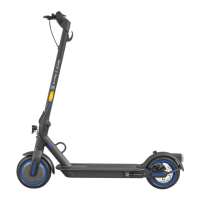
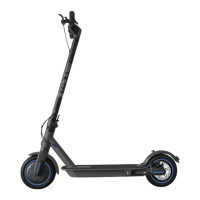
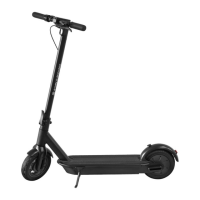
Folding mechanism
Motor
Kickstand Battery compartment
Rear light
Buckle
Rear fender
Throttle
Control panel
Electronic brake
Charging port
Front light



 To Next Page