4.1 APP
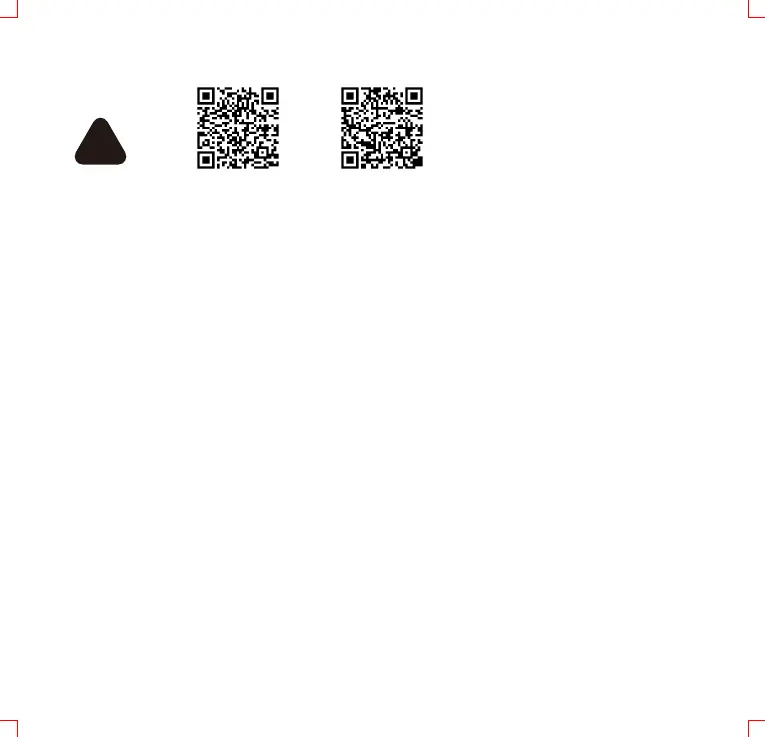
Android iOS
Make sure Bluetooth is turned on on the phone. Open the Eway scooter app,
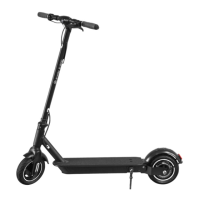
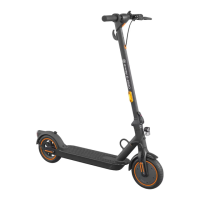
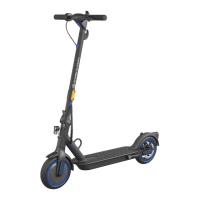
click the corresponding model in device list to connect. You can nd the app
under EWAY SCOOTER name in App store or Google shop or by scanning the
corresponding QR code. The E-scooter will beep when APP is connected with
E-scooter. The scooter is working without using the app, but using the app will
give you access to changing various settings. The app is also updated regularly.
Please check regularly and update app accordingly. The phone needs to be
close to the scooters display during update. If you disrupt the process
during update, the rmware and app might be damaged and might lead to
the scooter not working. The app may not be suitable for all mobile phones or
operating systems. For more details on functionality, see www.wilfa.com/eway.
4.2 Before rst ride
Step 1: Check that the E-scooter has no loose screws, or that anything feels
abnormal. This should be done eve time you want to ride the scooter. Check
that wheels turn easily and that brakes work properly. if necessa, please
adjust brakes. See maintainance section for more info. Please charge the
batte completely before each ride.
!
09



 To Next Page