EN
4
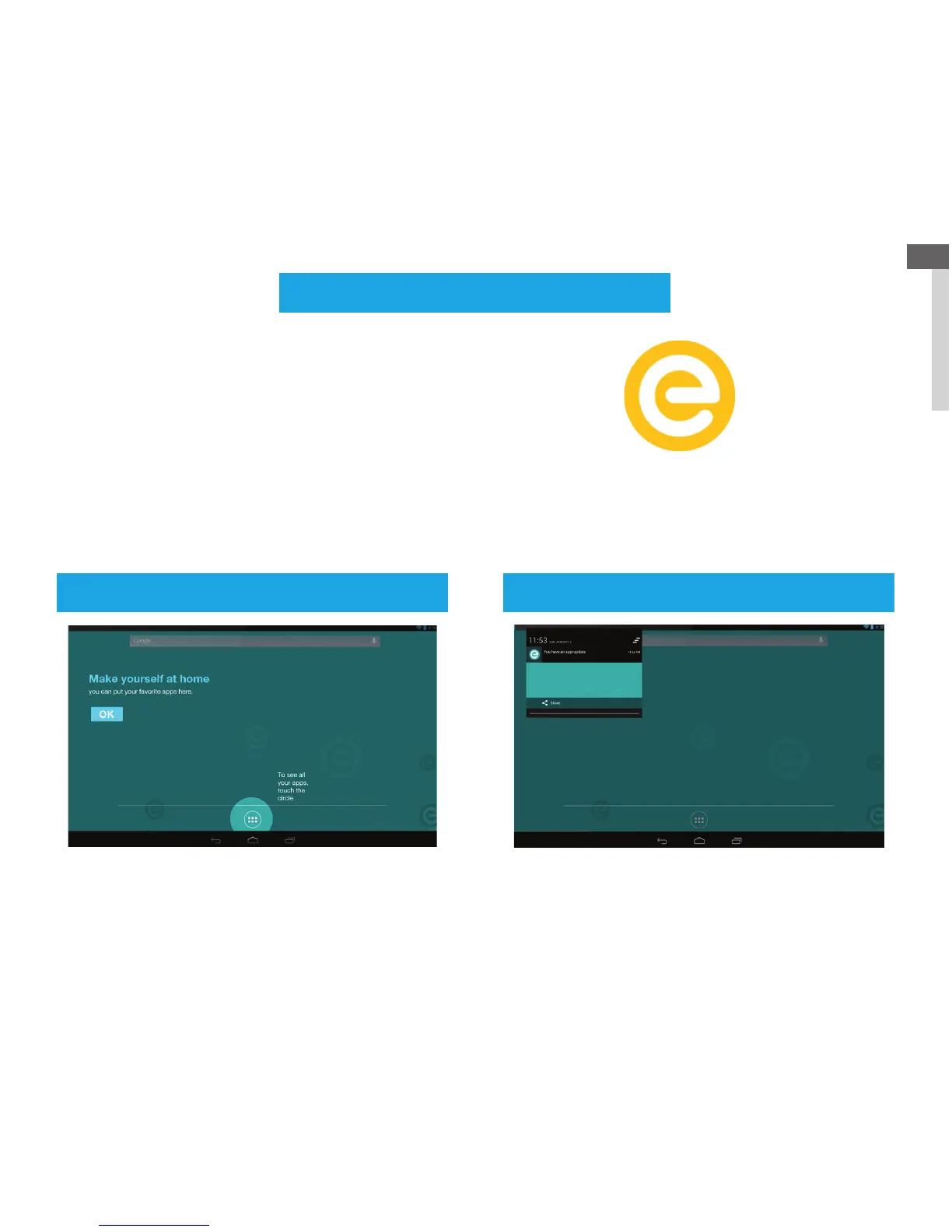
See all your apps Updates/Notifications
Note: “Tabeo
™
support” is your complete guide to using
your tabeo
™
tablet.
With the “Tabeo™ support” application you discover how to
connect to a Wi-Fi network, how to use the parental controls
features, specifications of the tabeo
™
tablet, and more.
Tabeo
™
support application
Tabeo
™
support
Touch this icon on home
screen to launch the Tabeo
™
support application.
To view all apps currently installed on your tabeo
™
,
please tap on the app tray in the bottom center
Look for Software updates:
- a pop-up screen will appear to warn you of any
updates/notifications.
- or tap on the clock and drag down to bring the window up.



 To Next Page