•Press this icon to be instantly connected to customer
support. (*Must have Wi-Fi connection.)
•Call 1-888-477-0888...24 hours/7 days a week.
U.S. & Canada
•Log on to our web site: www.tabeo.com
and click on support link.
Chat with Support
EN
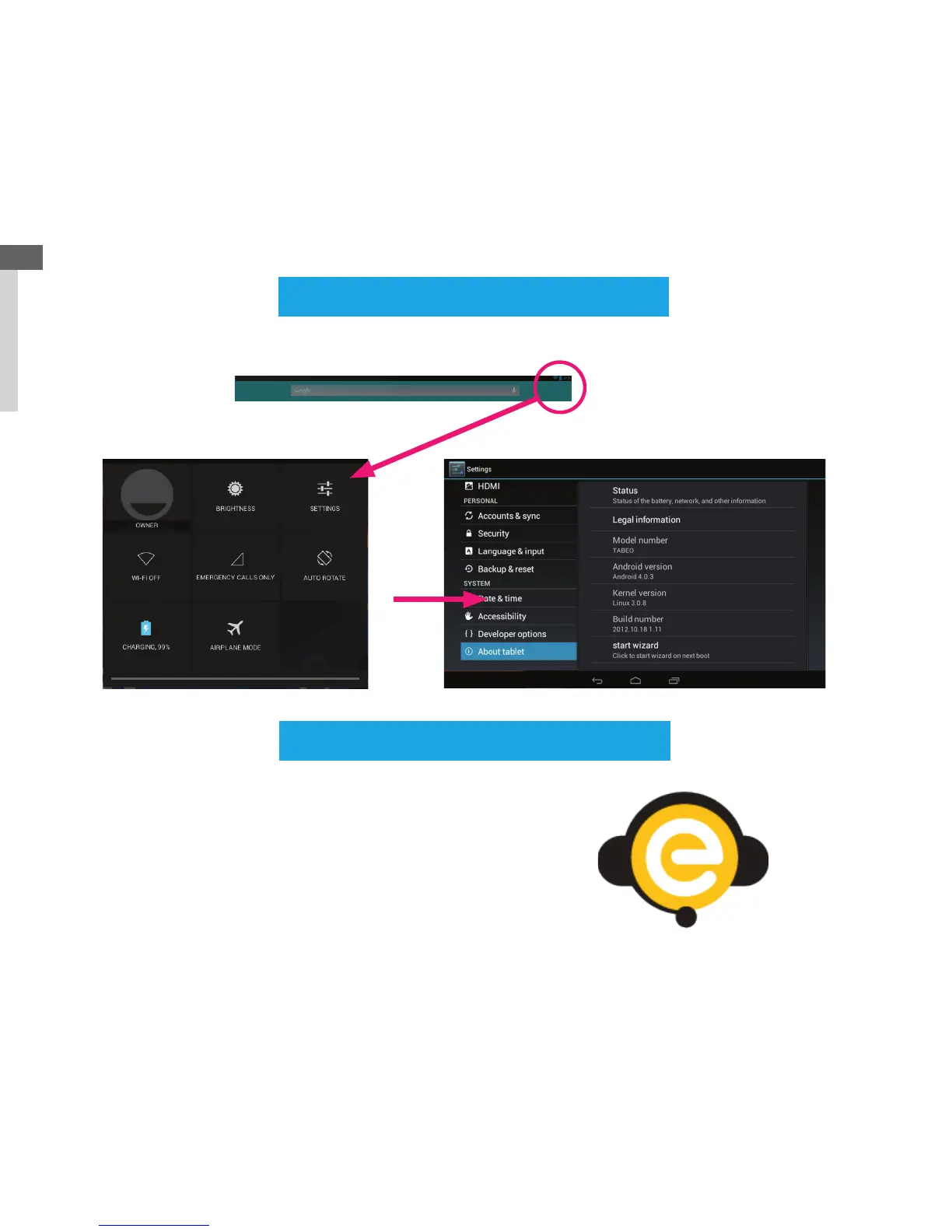
Set Up Wizard/Settings Page
Press settings button to access settings page.
5
Touch top right corner of home screen and drag down to open quick settings menu.



 To Next Page