Home
E3
Modem
ODE PRO
Page 5
E3 ODE PRO - Page 5
10 pages
Manual
Save Page as PDF
To Next Page
To Next Page
To Previous Page
To Previous Page
Loading...
If
i
t
is
slow
to
enter
E3
ODE
OS,
please
decrease
the
number
of
games.
For
example,
if
only
one
game
inside
USB
DISK,
the
speed
will
be
fastest.
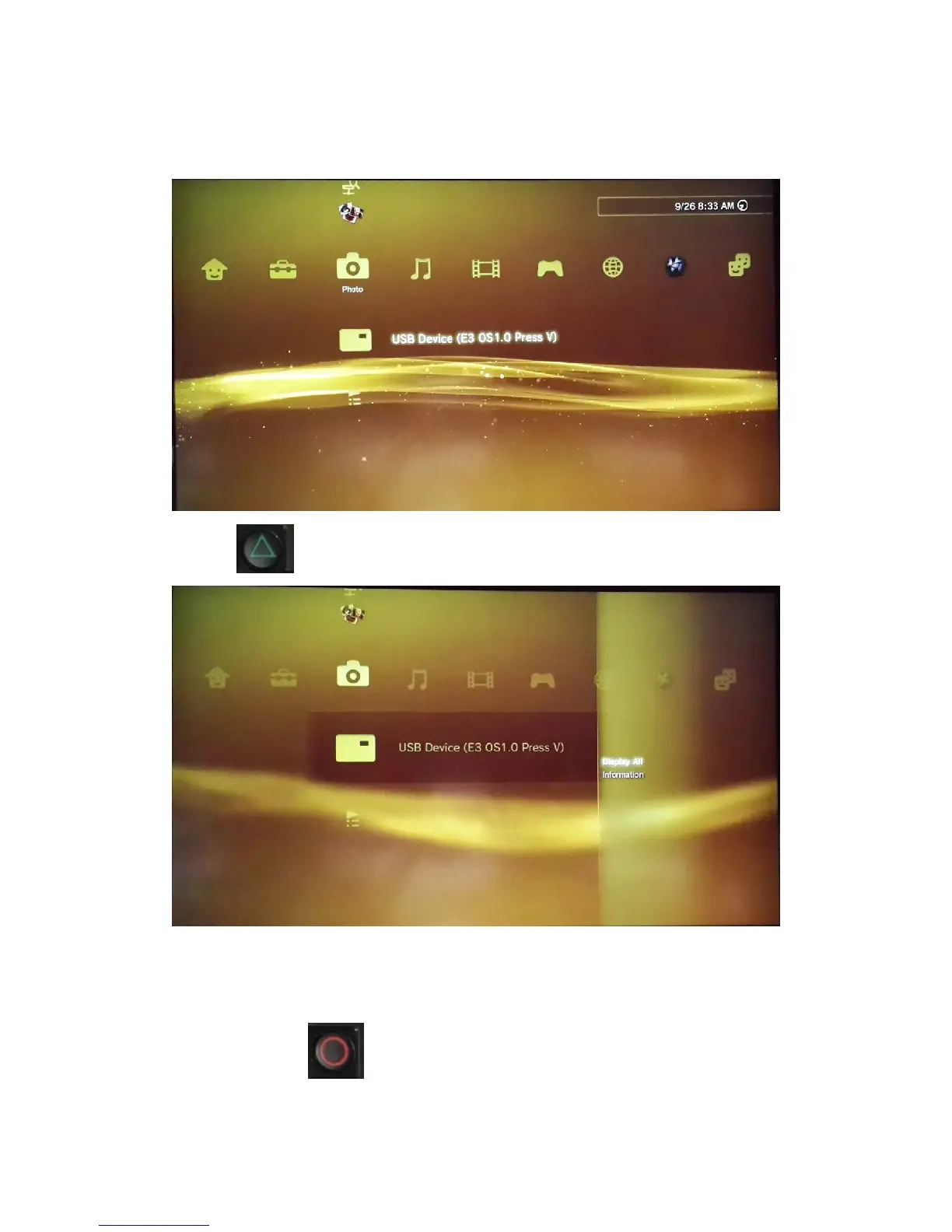
Press
,
use
r
will
enter
th
is
men
u
and
then
press
to
browse
all
ISO
game
and
f
unction
4
6
Table of Contents
Main Page
Features List
1
Enter the E3 ODE PRO Mode
2
Enter the PS3 BD Drive Mode
2
Connecting USB Storage
3
USB Mass Storage Preparation
4
Booting Related Issues
4
Using E3 ODE os
4
Switch to a New Game
7
Upgrade E3 ODE PRO
8
Add more Boot Disc Type on E3 ODE PRO
9
Update PS3 Firmware to the Latest Firmware
9
Change PS3 Inner Harddisk
10



 To Next Page