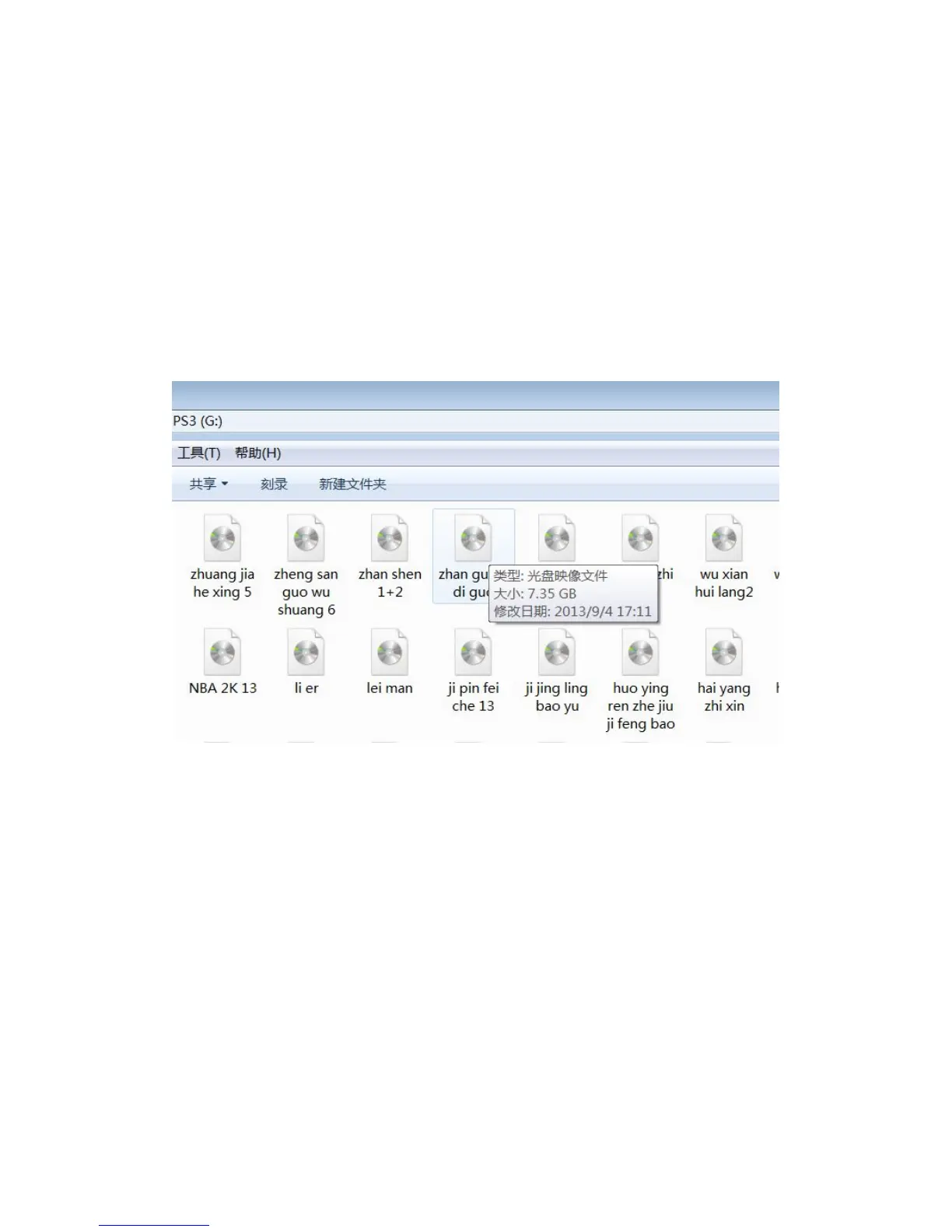
USB mass storage preparation
The E3 ODE PRO supports reading files from the vast majority of USB HDD's
and USB pen drives available in the market.
PS3 ISO games must be placed in root directory . The ISO game can be
created with E3 ODE TOOL .
As a user convenience we also support iso files generated by the cobra ISO
tool v1.0-v.2.1 .
Booting related issues:
The game disc used must be supported by the E3 ODE PRO database. A
current list of supported titles is available in the downloads section of our
website. We will provide updates to expand the list of supported titles.
Using E3 ODE OS
1: Enter E3 ODE OS
Browse PS3 Photo category, user can find a USB Device(E3 OS1.0 Press V)



 To Next Page