16
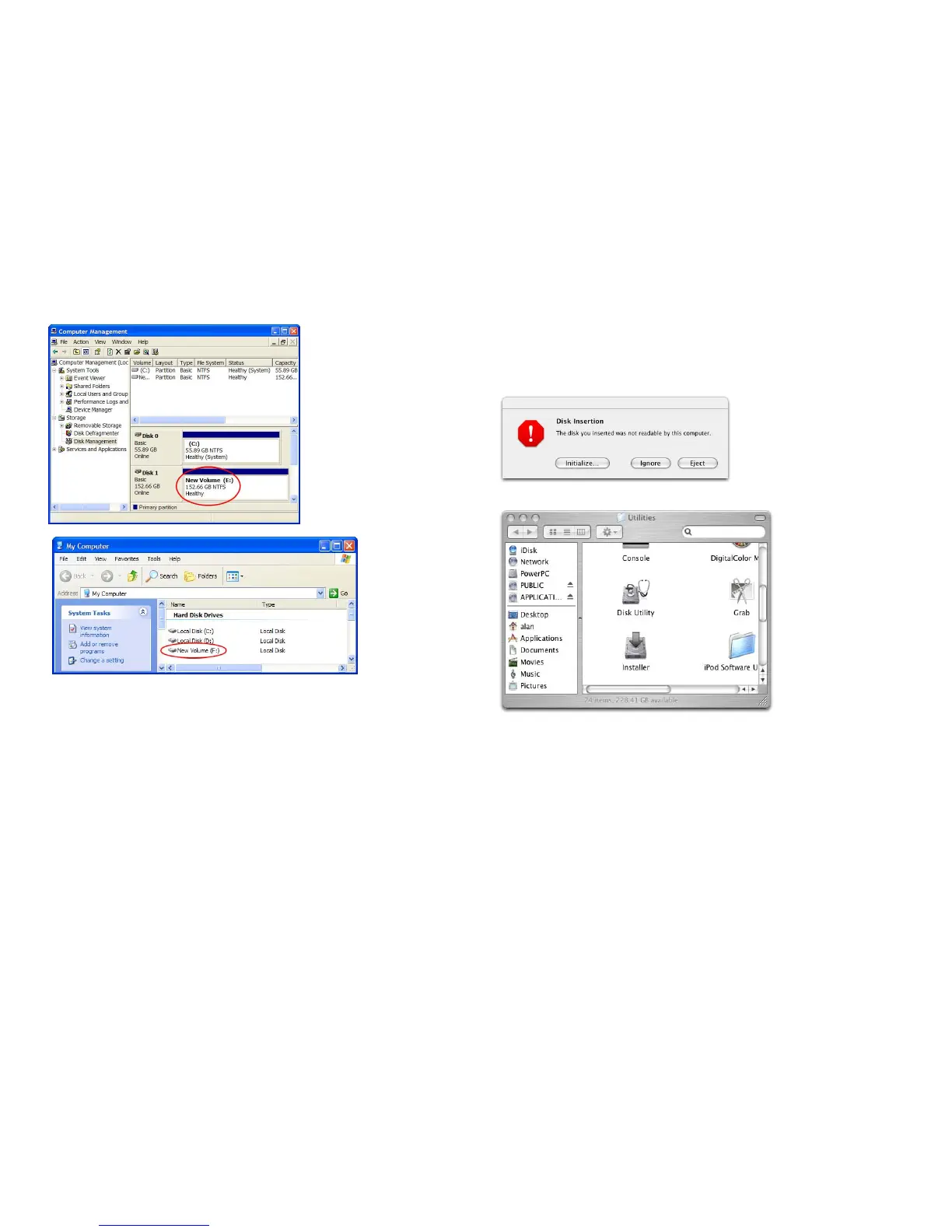
9. When the status change to Healthy, your new Hard Drive is ready to use.
10. Go to My Computer, your new drive should be listed there and ready to use.
17
Mac OS X
Note: If the warning does not show up, start at step 2.
1. A warning window will pop up for new and unformatted hard drive. Click
Initialize. Skip Step 2 and continue at Step 3.
2. Click Go on the desk bar and choose Utilities, click Disk Utility.



 To Next Page