05
Functions
7
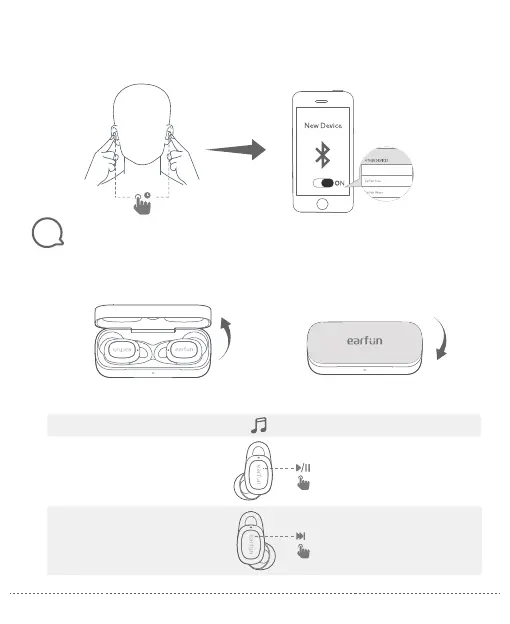
Power on/off
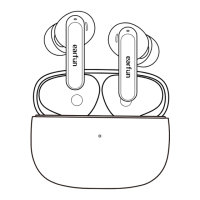
Open the charging case, the earbuds will automatically power on.
Place the earbuds back into the charging case. Close the case and the earbuds will automatically power off.
Step 1. Make sure earbuds are power on, and then touch and hold the both earbuds touch button at the same
time for at least 3s until flash the blue, the earbuds will into pairing mode.
Step 2. Search on the new device and connect.
3
S
Option B
Power on
Power off
Playing music
Play/Pause
L/R
R
Tap twice (L/R)
X
2
Tap triple (R)
X
3
Next track
L
R
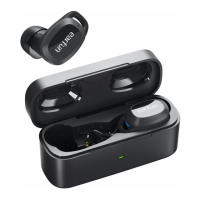
EarFun Free Pro


 To Next Page