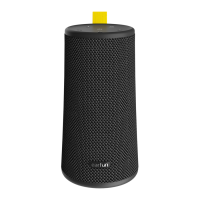
Functions
8
Playing Music
x1 x2 x3
EarFun Go A(L)
5s
EarFun Go B(R)
5s
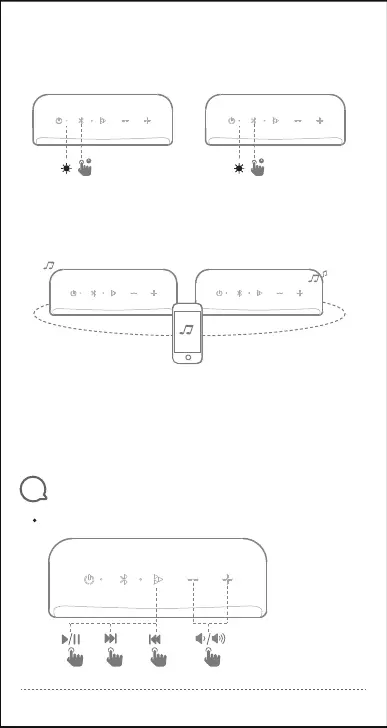
Step 2:Power on Go B, and press the Bluetooth buttons of the two speakers
simultaneously for 5 seconds.
Step3: The two indicators stay blue, and the speakers enter True Wireless
Stereo Mode.
04
1.
2.
3.
Note:
Once the two GOs have entered wireless stereo pairing mode before, you don’t
need to pair them as the first pairing. Simply power on the two GOs and they will
connect to each other automatically.
While in TWS mode, you can use one of the buttons to control both Gos at will.
Tap the Bluetooth button twice quickly to change the left and right channel.


 To Next Page