Copyright – Early Alert Technologies LLC 2013
Page -9-
IMPORTANT! Use of a non-specified power supply will cause inaccurate or improper operation of the
Tornado Alert™ system and will damage the system. Use of a non-specified power supply will void all
warranties.
Power up Sequence
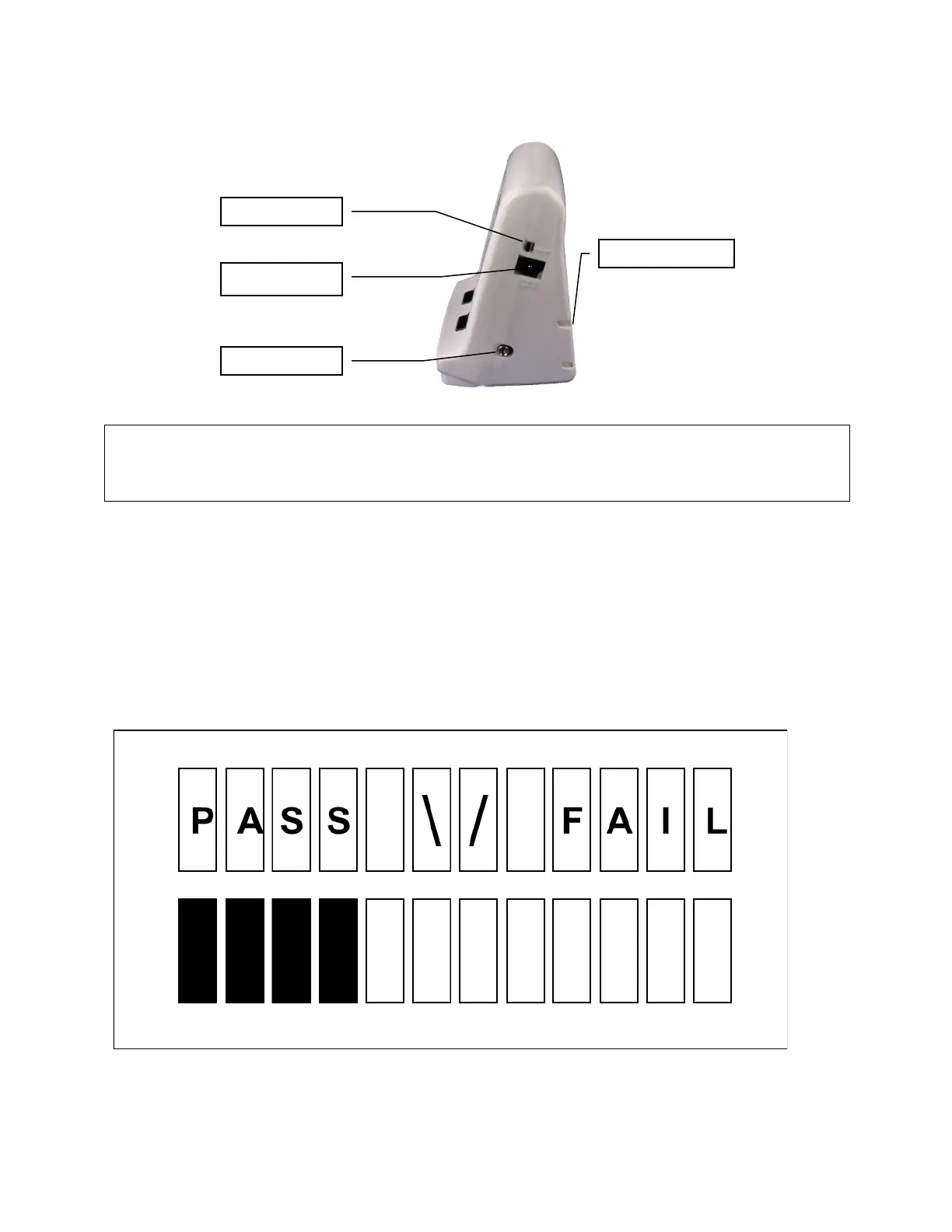
Turn on Tornado Alert™ using the slider power switch on the side of the unit. Tornado Alert™ begins
performing a functional self-test. These tests will last approximately 10 seconds. During this time,
several messages will be displayed on the LCD screen. You will also hear the audible siren and see the
visual strobe alert.
Verifying Location
The last test verifies that Tornado Alert™ is not being affected by interference. During this test, the
following screen is displayed:
In order to pass this test, no activity should be detected for 20 seconds. If excessive activity is detected,
more bars will be darkened to the right, the LED light will turn red and the test will restart. Find a


 To Next Page