55
3.Operation Instruction3.Operation Instruction
Dishwasher FeaturesDishwasher Features
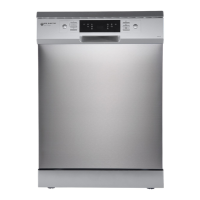
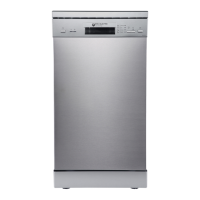
Control PanelControl Panel
before using it for the first time.
To get the best performance from your dishwasher, read all operating instructions
IMPORTANTIMPORTANT
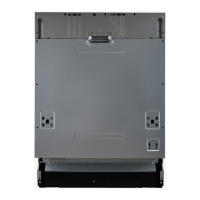
Back View
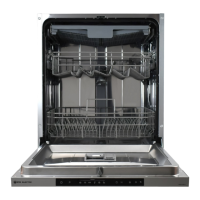
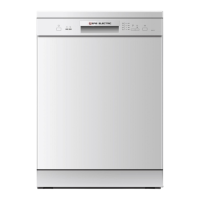
Front view
11 22
33 44 55 66
77 88
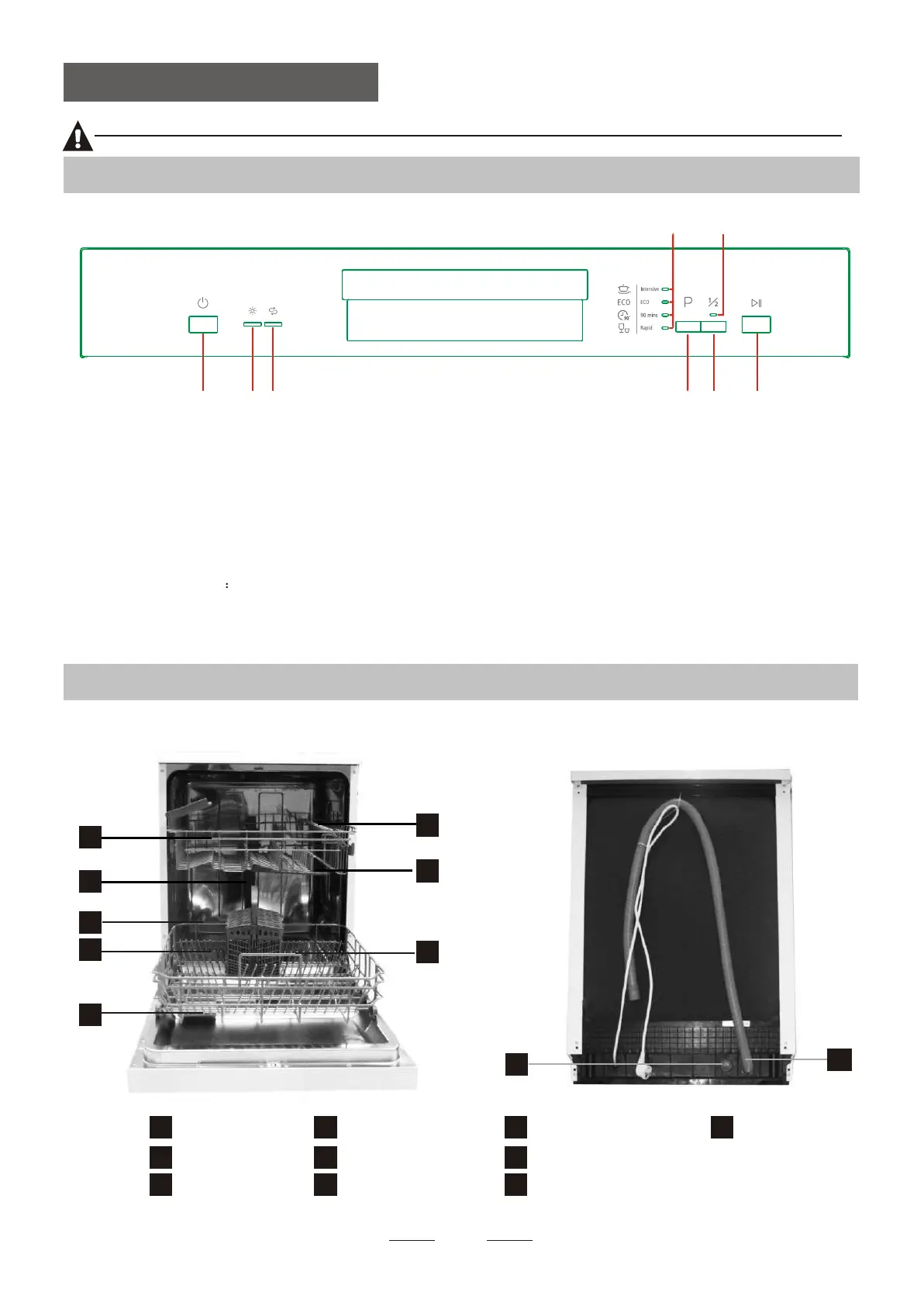
1---On/Off Button
7---Program indicators
6---Start /Pause Button: To start the selected
washing program or pause the washing program
when the machine is working.
5---Half load functions Button: To select Half load
functions. (With this Half load function you can
only use it when you have only about or less than
6 place setting dish wave, and you will see less
water and energy consumption , can only be used with
Intensive, ECO and 90 minS .)
2--- rinse aid warning indicator
8---Half load indicator
3--- salt aid warning indicator
4---Program Button To select the washing program
(Intensive,ECO,90Min,Rapid),when a washing
program selected,the corresponding indicator will
be light;
9
Dispenser
Cup Shelf
Spray arms
Filter assembly
Inlet pipe connector
Drain pipe
Lower Basket
Inner pipe
Upper Basket
1
Salt Container
5
6
7
8
9
10
3
2
4
10
1
2
3
4
5
6
7
8


 To Next Page