Features
•Capable of charging 2 batteries of different size,type and capacity simultaneously.
•Each battery slot monitors and charges independently.
•Charging program optimized for IMR batteries.
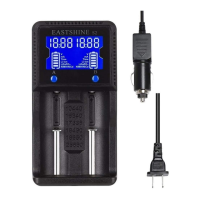
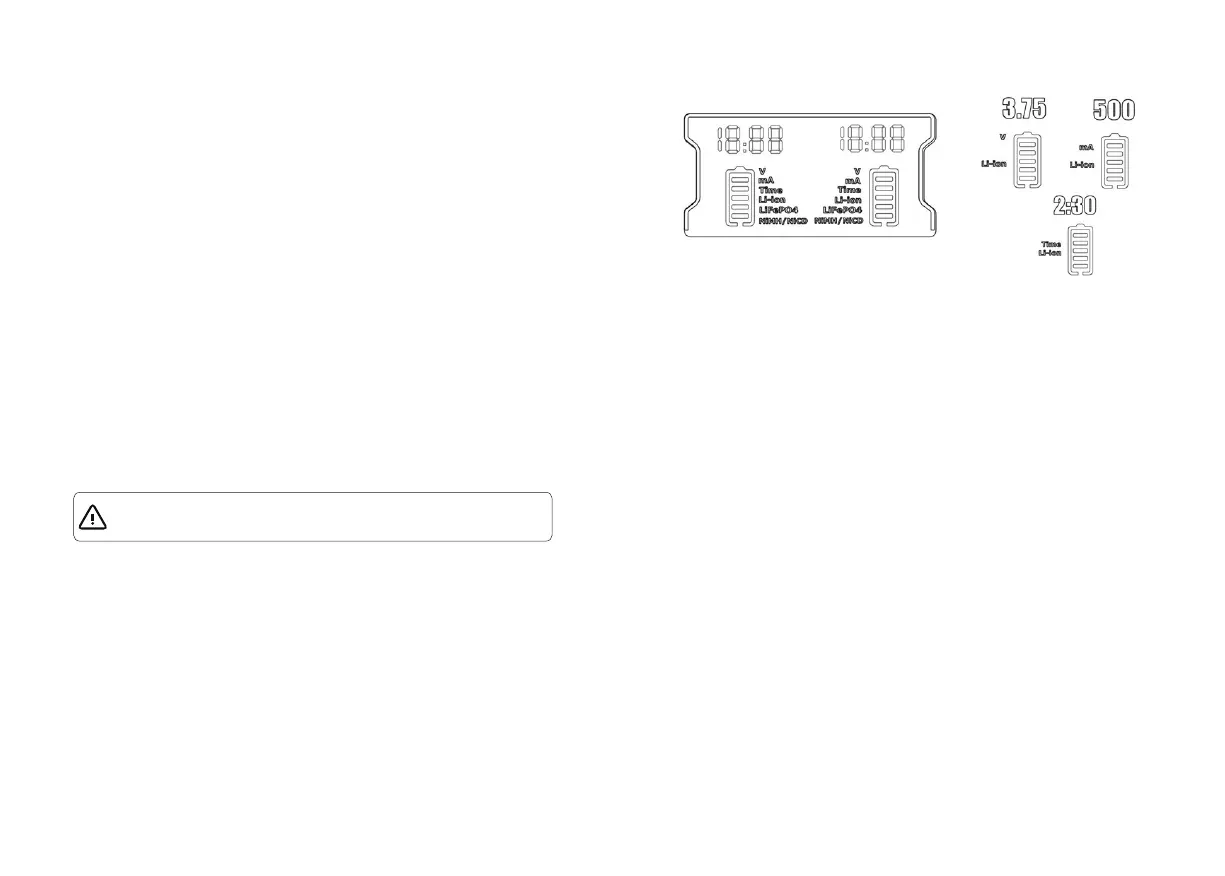
•Built-in LCD panel clearly displays charging progress and battery type,voltage.
•Two conveniently buttons A/B allow easy selection of specific battery types and charging
current.
•Intelligent circuitry detects the battery type before entering automatic charge mode.
•Automatically detects battery status and selects the appropriate voltage and charge
mode(with the exception of Lifeo4 batteries wich require manual selection)
•Automatically stops charging when charging is completed.
•Overtime charging protection
•Two type of charging current 500mA/1000mA.
•Features over-charge,short-circuit,over-current prevention to protect batteries.
•Features temperature monitoring to prevent overheating.
•Features reverse polarity protection.
•Made from durable ABS(fire retardant/flame resistant).
Battery Activation
The s2 is capable of activating depleted Li-ion batteries with protective circuit. After battery
installation, s2 will test and activate the battery before Charging. When a battery is
detected as damaged, the LCD displays Err, and s2 terminates its charging. Such
damaged battery can not be activated by s2.
Overtime Prevention
The S2 is equipped with an advanced “overtime” safety function. The S2 will individually
monitor the elapsed charging time for each battery slot and if a particular slot exceeds 8
hours, the S2 will automatically power off the slot and display full charging bars to indicate
completion of the charging process. This feature reduces the risk caused by batteries of
lesser quality.
Charging LiFePO4 batteries
To charge LiFePO4 batteries, simply press and hold the A or B button for more than 5
seconds after a LiFePO4 battery is inserted and “LiFePO4” will appear on the LCD
display to indicate the activation of LiFePO4 charging mode. To exit LiFePO4 charging
mode,press and hold the A or B for more than 5 seconds once again,or remove the
battery.
1.Connect to power
Plug the power cable into standard AC outlet or plug the car adapter into cigarette lighter
of the vehicle. If the charger stand for 30s without inserting batteries or pressing the switch
button,it will start the energy-saving function as brightness of LCD screen decreased. Any
effective operation will wake the screen.
2.Battery insertion
When a battery is first inserted,the s2 charger will run a short test to identify Li-ion/Ni-MH/
NI-Cd battery type and status. If the battery is reversed or bad, the LCD will display "Err".
When test is over, the s2 will enter into charging mode.
3.Independently work
The s2 features 2 charging slots, each of which charges and monitors a battery
independently.Rechargeable batteries of different chemistries and voltage may be charged
simultaneously using either A or B slot.
4.Battery charging
While in charing mode, the battery indicator bars will blink rhythmically to indicate the
ongoing charging precess. Default charging current is 500mA, short press A or B 1s to
select of 500mA or 1000mA. Press A or B over 5s to switch LiFePO4 and other battery
charging mode.
5.Finish charging
The s2 charger will automatically stop charging when the battery is full, or when the
charging time is above 8 hours. Remove batteries and unplug the power when charging is
done.
Operating Instructions
NOTE: Eastshine does not recommend Charging 0V(depleted) unprotected Li-ion
batteries with s2 and doing so can result in battery fire or explosion.


 To Previous Page
 Loading...