12
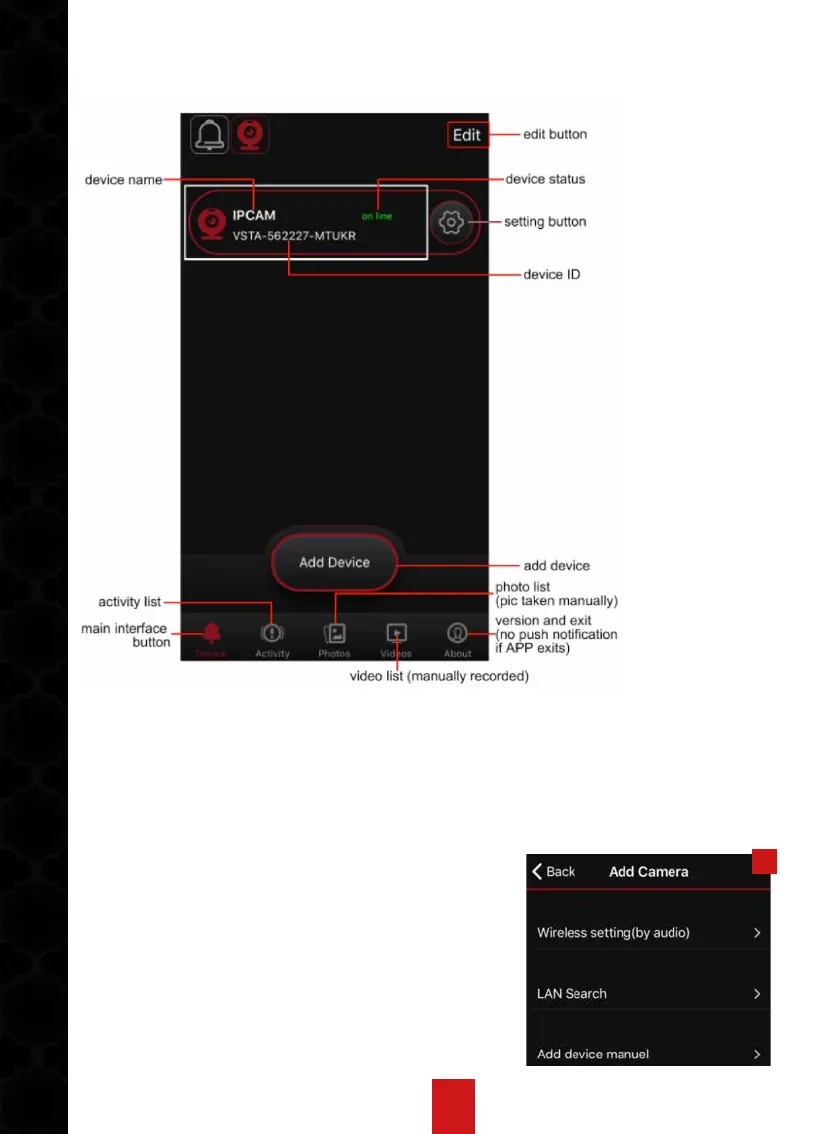
3. APP MAIN INTERFACE
White frame area introduction:
when device status is online, click this area into live view video.
When status offline, click this area to refresh APP.
1
4. ADD IP CAMERA
(1). Connect to Power Supply
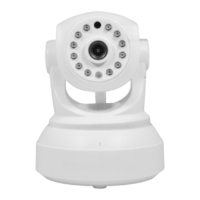
Connect the IP camera to power supply with
supplied DC5V/2A power adapter. Wait for about
20 seconds till device alerts “WiFi configuration
is waiting”. (In case of no alert on camera, please
reset the camera back to factory setting). In this
state, work indicator in yellow flashes quickly.


 To Next Page