Install the Light Bulb
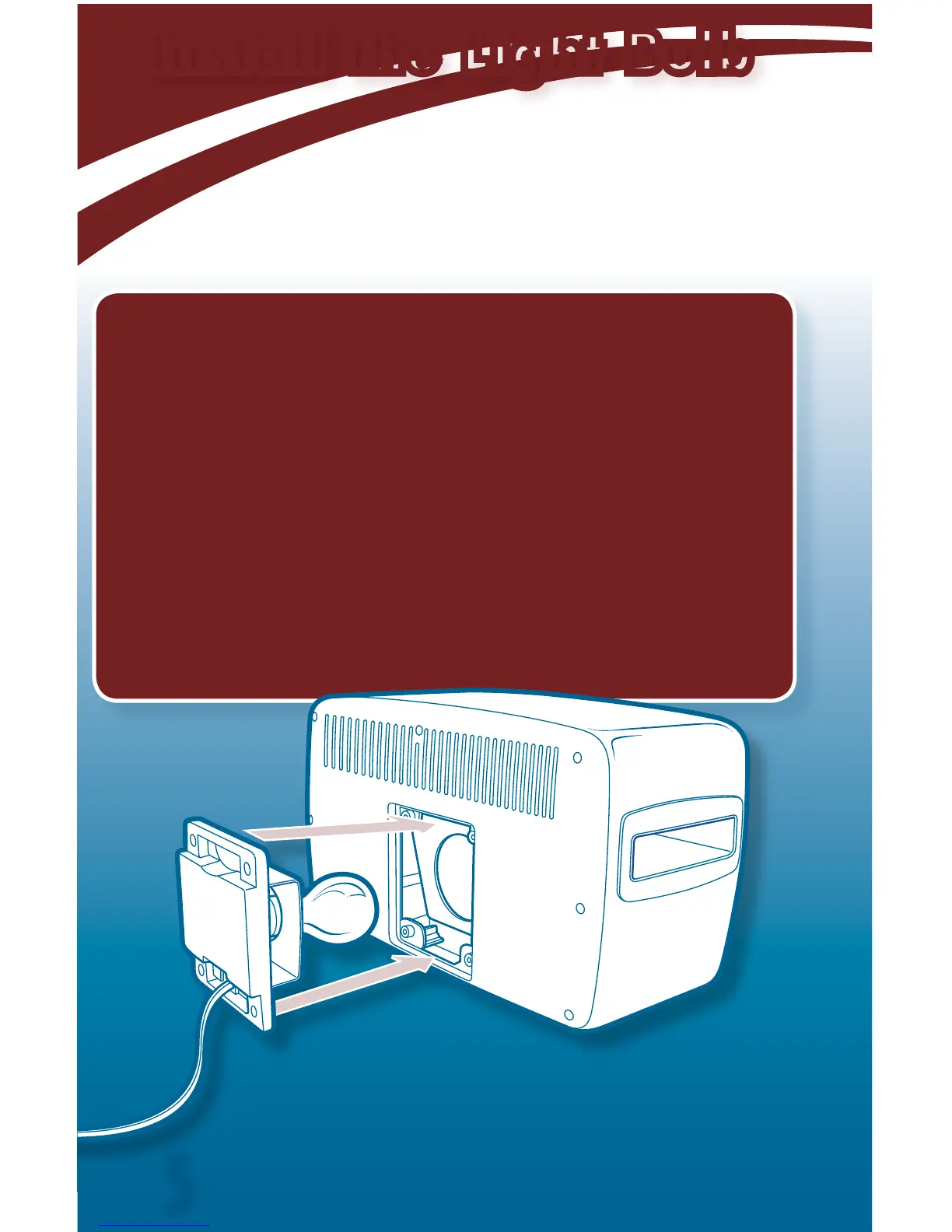
1. Make sure oven is unplugged.
2. Use a Phillips screwdriver to remove the 4 screws
from the light bulb door. Remove door.
3. Install one standard 100-watt bulb.
IMPORTANT! Do not use long life, soft white,
or high efficiency bulbs, or bulbs of higher or lower
wattage.
4. Replace the door and tighten the screws.
ADULT SUPERVISION REQUIRED.
5


 To Next Page