EasyManua.ls Logo

Easy@Home 99135 - User Manual

Easy@Home 99135
23 pages
Print Icon
To Next Page IconTo Next Page
Loading...
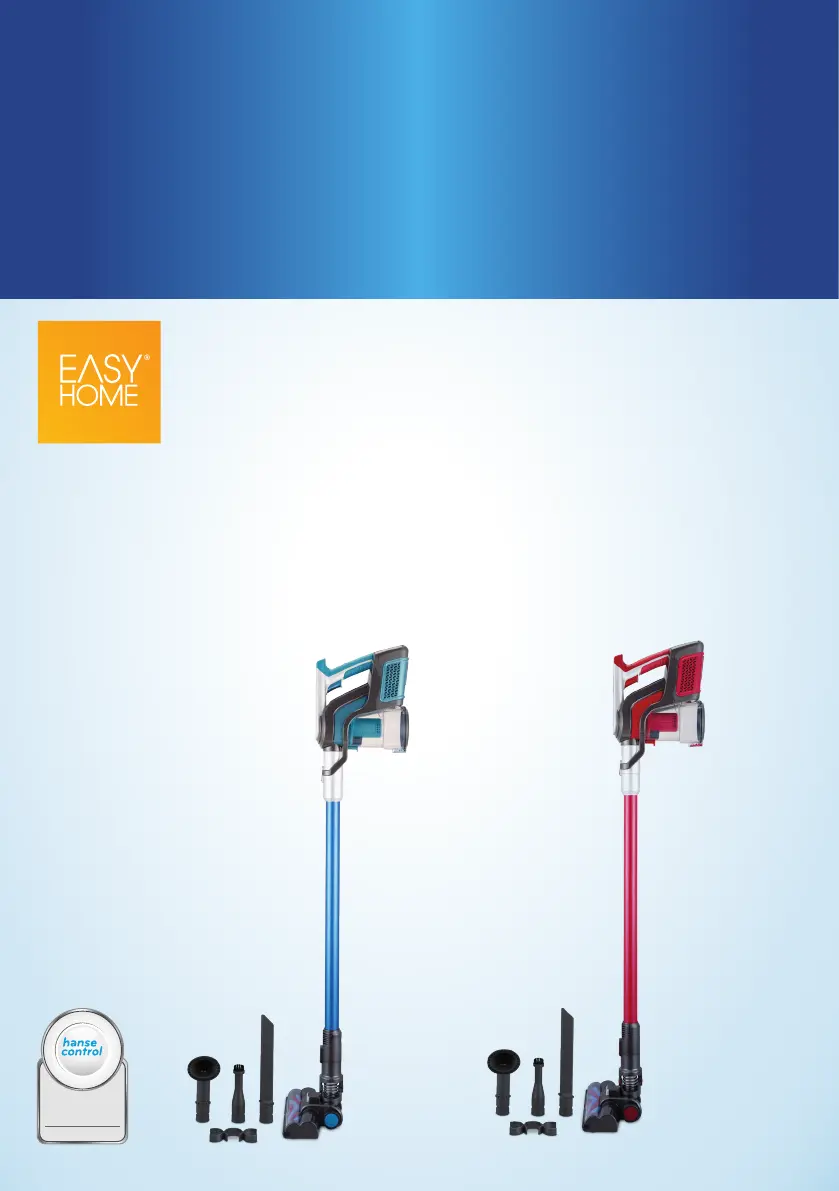
CLEANING
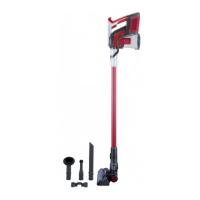
CORDLESS HANDHELD
STICK VACUUM CLEANER
User Manual
ID: #05007
m
y
h
a
n
s
e
c
o
n
t
r
o
l
.
c
o
m
M
A
N
U
A
L
D
E
V
E
L
O
P
E
D
I
N
G
E
R
M
A
N
Y
User-friendly
Manual

Questions and Answers

Summary

Package Contents Overview

Components Identification

Lists and identifies all parts included with the vacuum cleaner for user reference.

Required Tools for Setup

Lists tools not included but necessary for the product's assembly and installation.

General Information

User Manual Handling

Guidance on how to use and keep the user manual for future reference.

Proper Use Guidelines

Defines intended use and restrictions for the product to prevent damage or injury.

Explanation of Symbols

Describes symbols used in the manual and on the product for clear understanding.

Safety Information

Explanation of Notes and Signals

Explains signal words and symbols used for warnings and notices in the manual.

General Safety Precautions

Provides essential safety guidelines for using the product safely.

Electric Shock Hazard

Details hazards related to electrical safety and necessary precautions.

Safety for Children and Vulnerable Persons

Specific safety instructions for children and individuals with limited capacities.

Explosion and Chemical Burns Hazard

Warns about hazards associated with batteries and improper handling.

Risk of Injury from Misuse

Outlines potential injuries from misuse and prohibited actions.

Product Damage Prevention

Details how improper handling can lead to product damage.

First Use

Checking Product and Package Contents

Instructions on verifying product and package contents before initial use.

Charging the Batteries

Installing the Wall Bracket

Step-by-step guide for mounting the wall bracket safely.

Battery Charging Process

Explains how to charge the product's batteries and interpret charge indicators.

Attaching Accessories

Charging the Product Directly

Instructions for charging the vacuum directly via the power adapter.

Charging the Product via the Wall Bracket

Instructions for charging the vacuum using the wall bracket.

Connecting Nozzles and Tubes

How to connect various nozzles and the long tube to the unit.

Using the Product

Long Crevice Nozzle Usage

Details the application of the long crevice nozzle for hard-to-reach areas.

Product Operation Guide

Step-by-step instructions for turning on and using the vacuum cleaner.

ECO Mode Functionality

How to activate and utilize the ECO mode for quieter and more efficient operation.

Troubleshooting

Troubleshooting Common Faults

Lists common issues, their possible causes, and solutions.

Cleaning Precautions

Safety warnings regarding cleaning the product and potential risks.

Cleaning Procedures

General Cleaning Guidelines

Rules for cleaning the product, avoiding dishwashers and ensuring dryness.

Emptying Dust Container and HEPA Filter

Step-by-step guide for emptying the dustbin and cleaning the HEPA filter.

Cleaning the Brush Roll

Instructions for checking and cleaning the vacuum's brush roll.

Removing the Brush Roll

Detailed steps on how to detach the brush roll from the floor nozzle.

Storage and Technical Data

Reinstalling the Brush Roll

Guide on how to properly reattach the brush roll after cleaning.

Cleaning the Housing and Accessories

How to clean the exterior and detachable parts of the vacuum.

Storage Instructions

Guidelines for storing the product safely and appropriately.

Technical Data

Specifications and technical details of the product.

Disposal Information

Power Adapter Specifications

Technical details for the power adapter.

Rechargeable Batteries Specifications

Technical details for the rechargeable batteries.

Disposing of the Packaging

Instructions for environmentally friendly disposal of packaging materials.

Disposing of the Product

Guidance on how to dispose of the product at the end of its life cycle.

Warranty Details

Product Registration Information

Information on registering the product for updates and warranty.

Warranty Coverage Terms

Details the product's warranty period and terms.

After Sales Support Contact

Contact information for customer support and service.

Repair and Refurbished Goods Notice

Repair Process and Data Handling

Information regarding product repair, data loss, and refurbished parts.

After Sales Support and Complaints

Contact details and address for customer service and handling complaints.

Easy@Home 99135 Specifications

General IconGeneral
BrandEasy@Home
Model99135
CategoryVacuum Cleaner
LanguageEnglish

Related product manuals