EasyManua.ls Logo

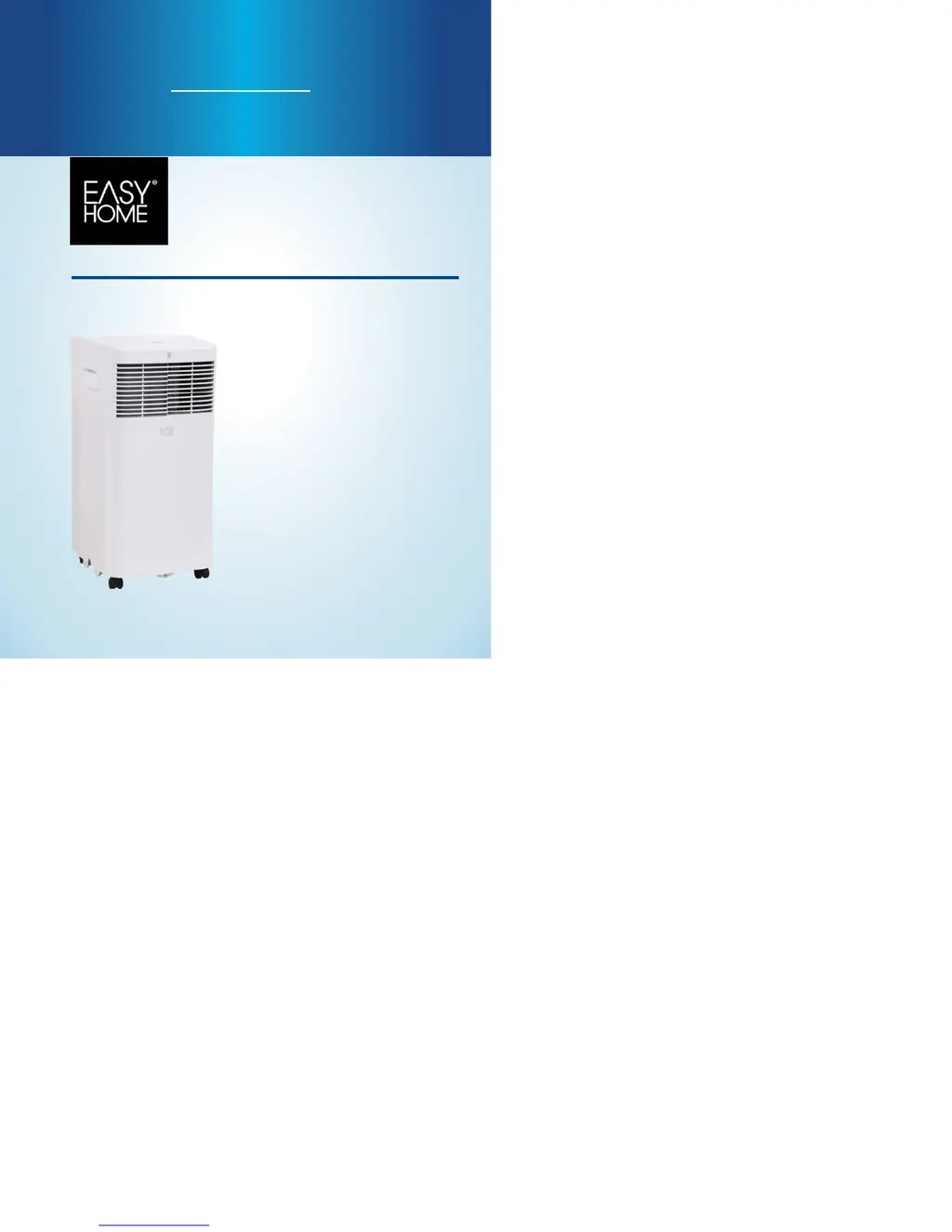
Easy@Home EPA080BAUW - User Manual

Easy@Home EPA080BAUW
56 pages
Print Icon
To Next Page IconTo Next Page
Loading...
English............ 1
Español..........25
2018.01.03
PORTABLE AIR CONDITIONER
ACONDICIONADOR DE AIRE PORTÁTIL
User Manual
Manual
del usuario

Questions and Answers

  • B
    brian91Aug 4, 2025
    What to do if my Easy@Home EPA080BAUW Air Conditioner is not cool enough?
    • S
      Stacy StevensAug 4, 2025
      If your Easy@Home Air Conditioner isn't cooling sufficiently, several factors could be at play. Ensure all windows and doors are closed to keep the cool air in. Eliminate any heat sources within the room. Verify that the exhaust air hose is correctly connected and free from obstructions. Try decreasing the set temperature. Finally, a blocked air filter can also reduce cooling efficiency, so be sure to clean it.
  • R
    Ryan RyanAug 13, 2025
    Why my Easy@Home EPA080BAUW Air Conditioner does not start?
    • H
      hernandezdonaldAug 13, 2025
      Your Easy@Home Air Conditioner might not start if 'P1' appears in the display, indicating water in the bottom tray. Drain the water. Also, ensure the room temperature isn't lower than the set temperature; if it is, reset the temperature accordingly.
  • B
    Brian RiggsAug 23, 2025
    How to fix noisy Easy@Home Air Conditioner?
    • J
      Joseph HicksAug 23, 2025
      If your Easy@Home Air Conditioner is noisy or vibrating, this could be due to the unit not being placed on a level surface. Place the unit on a flat, level ground if possible to reduce noise and vibration.

Summary

Important Grounding Method

Safety Precautions and Requirements

Operating Conditions

Specifies room temperature ranges for Cool and Dry modes for optimal performance.

Electrical Requirements

Details necessary electrical specifications for safe and proper appliance operation.

Grounding Instructions

Explains proper grounding procedure to prevent electrical shock.

General Safety Measures

Outlines essential safety measures to prevent injury during use.

Additional Safety Guidelines

Provides further safety guidelines, including unit placement, disposal, and supervision.

Installation Guide

Unit Features Overview

Identifies main components and parts of the portable air conditioner unit.

Included Accessories

Lists and describes accessories for setup and use.

Location and Tools

Guides on choosing location and lists tools for window kit installation.

Window Slider Kit Installation

Instructions for installing the window slider kit for exhaust hose setup.

Double-Hung Sash Window Installation

Step-by-step guide for installing the window kit in a double-hung sash window.

Sliding Sash Window Installation

Step-by-step guide for installing the window kit in a sliding sash window.

Water Drainage Procedures

How to handle water drainage, including error P1 and manual draining.

Continuous Water Drainage Setup

How to set up the continuous drain option in DRY mode.

Operating the Air Conditioner

Control Panel Functions

Explains control panel buttons and indicators for mode and temperature.

Advanced Operation Modes

Describes AUTO, SLEEP, and Follow Me functions via remote.

Timer Operation

How to set timer for automatic turn-on and turn-off functions.

Timer and Shortcut Functions

Using Auto-on/off simultaneously and the Shortcut function for favorites.

Remote Control Functions

Detailed breakdown of remote control buttons and their functions.

Remote Battery Replacement

Instructions for replacing batteries in the remote control.

FCC Compliance Information

Information regarding FCC compliance and operational conditions.

Care and Maintenance

Air Filter Cleaning

Guide on cleaning the air filter regularly for optimal performance.

Unit Enclosure Cleaning

Instructions for cleaning the exterior of the unit.

Long-Term Storage

Steps to prepare the unit for storage, including draining and battery removal.

Product Disposal

Advice on checking local regulations for proper disposal.

Error Codes

Lists common error codes (E1, E2, E4, P1) and their meanings for troubleshooting.

Troubleshooting

Unit Fails to Start

Addresses issues when the unit does not start.

Insufficient Cooling

Solutions for when the unit is not cooling effectively.

Unit Noise and Vibration

Explains causes and solutions for noise and vibration.

Gurgling Sound Explanation

Clarifies the source of gurgling sounds.

Easy@Home EPA080BAUW Specifications

General IconGeneral
TypePortable Air Conditioner
Operating Voltage115V
Operating Frequency60Hz
RefrigerantR410A
BTU8000 BTU
Cooling Capacity8000 BTU

Related product manuals