EasyManua.ls Logo

Easy@Home GT-FSI-07-US - User Manual

Easy@Home GT-FSI-07-US
42 pages
Print Icon
To Next Page IconTo Next Page
Loading...
ID: #05007
m
y
h
a
n
s
e
c
o
n
t
r
o
l
.
c
o
m
M
A
N
U
A
L
D
E
V
E
L
O
P
E
D
I
N
G
E
R
M
A
N
Y
User-friendly
Manual
User Guide
Manual
del usuario
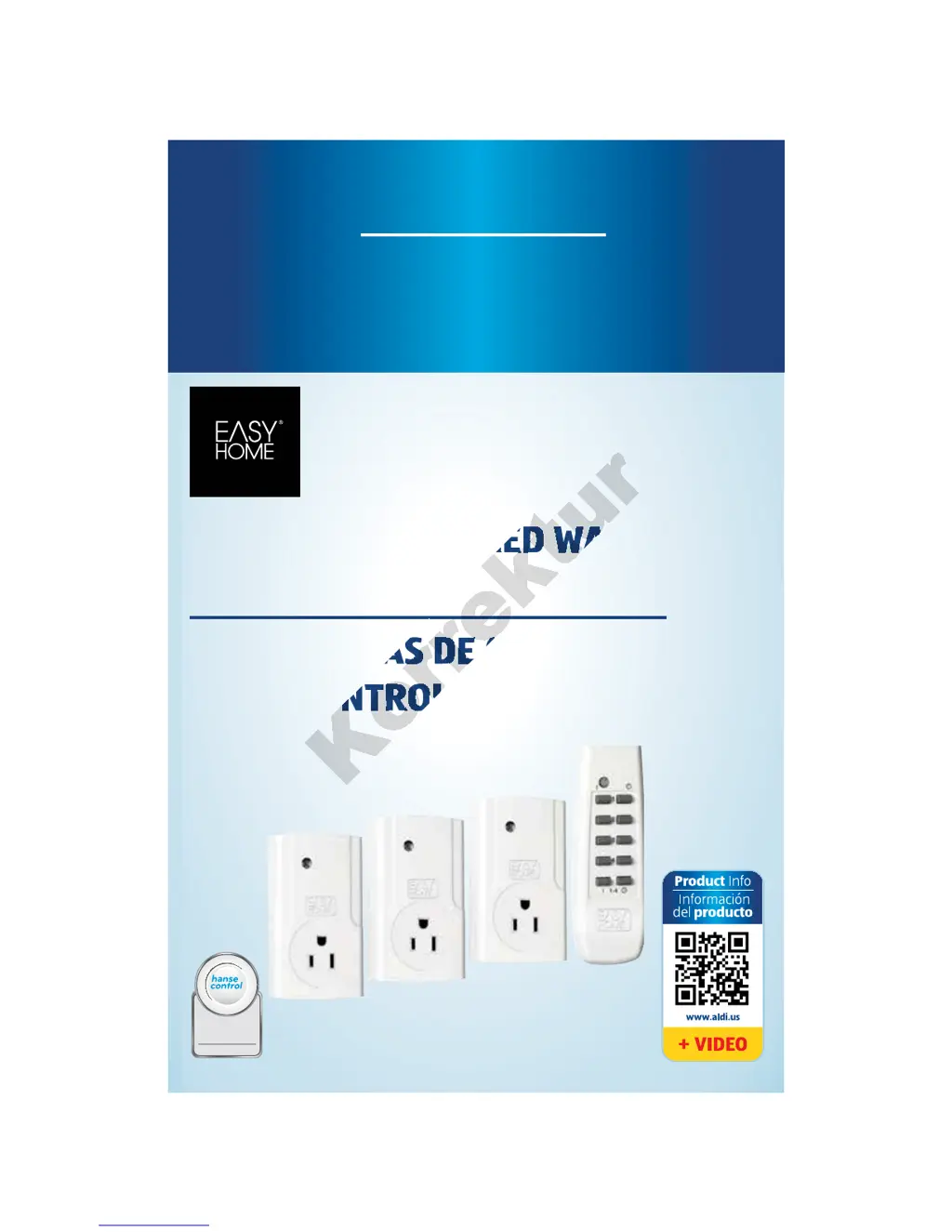
REMOTE CONTROLLED WALL
SOCKETS
SET DE TOMAS DE CORRIENTE
RADIOCONTROLADAS
English ...... Page 6
Español ..... Página 21
re

Questions and Answers

  • J
    Jonathan AustinAug 11, 2025
    Why is my Easy@Home Accessories remote controlled wall socket not switching on or off?
    • R
      Robert SmithAug 11, 2025
      There are several reasons why your Easy@Home remote controlled wall socket might not be switching on or off: * The wireless signal range may have been exceeded. Try reducing the distance between the remote control and the wall socket. * The remote control battery may be empty. Replace it with a new battery of the same type. * The signal transmission may be disrupted, or the channel assignments may have been deleted. Please refer to the chapter 'Additional notes'.
  • T
    Timothy PattersonAug 21, 2025
    What to do if my Easy@Home Accessories remote controlled wall socket automatically switches off?
    • J
      juanmartinezAug 21, 2025
      If your Easy@Home remote controlled wall socket automatically switches off, the assignment may be incorrect. Assign the channels to the remote controlled wall sockets (see chapter 'Assigning channels').
  • J
    Jimmy WilliamsonAug 30, 2025
    Why is another Easy@Home Accessories remote controlled wall socket responding to my remote?
    • A
      Alexander RiceAug 30, 2025
      If another Easy@Home remote controlled wall socket is inadvertently responding to your remote control commands, the assignment is likely incorrect. Assign the channels to the remote controlled wall sockets (see chapter 'Assigning channels').

Easy@Home GT-FSI-07-US Specifications

General IconGeneral
BrandEasy@Home
ModelGT-FSI-07-US
CategoryAccessories
LanguageEnglish

Related product manuals