EasyManua.ls Logo

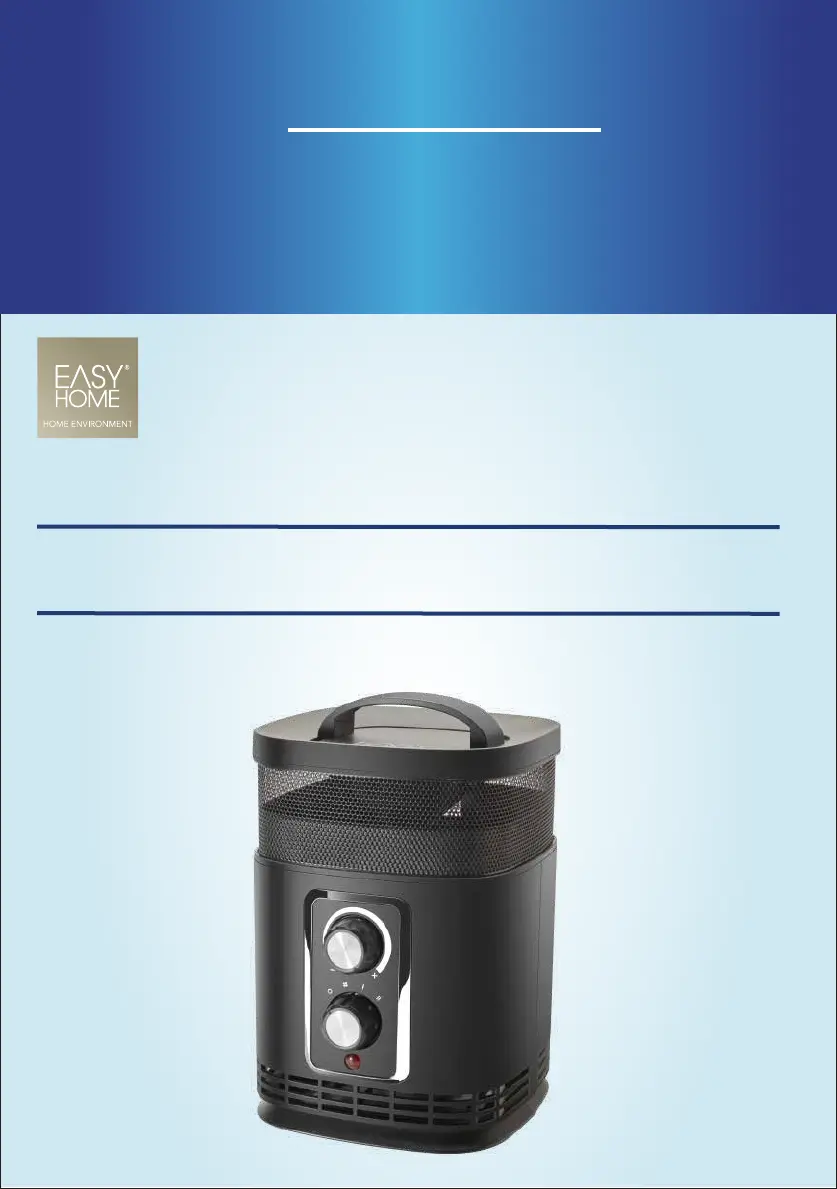
Easy@Home PTC-156 - User Manual

Easy@Home PTC-156
38 pages
Print Icon
To Next Page IconTo Next Page
Loading...
User Manual
Manual
del usuario
360˚ SURROUND
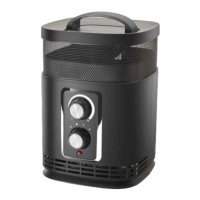
PORTABLE HEATER
CALENTADOR 360˚ PORTÁTIL
English......... 3
Español.......20

Questions and Answers

  • M
    mario65Aug 11, 2025
    What to do if my Easy@Home Heater cannot be switched on?
    • K
      Kimberly MitchellAug 11, 2025
      If your Easy@Home Heater won't switch on, there are several potential causes. First, ensure the mains plug is correctly and securely plugged in. Second, verify that the socket has power by testing it with another device. Also, make sure that the heater is placed upright on a level surface, so the tilt protection switch on the bottom of the device can move freely. If none of these steps work, the device might be defective and should be repaired by qualified personnel.
  • B
    Brittany SandersAug 21, 2025
    Why does my Easy@Home PTC-156 switch off automatically?
    • C
      caitlin16Aug 21, 2025
      If your Easy@Home Heater switches off automatically, it might be due to the overheat protection or the tilt protection being triggered. Ensure the device is set up in an upright position on a level surface. For overheat protection, see the section “Over heating protection”.
  • C
    Claudia PhamAug 30, 2025
    How to fix an Easy@Home PTC-156 that will not turn on?
    • S
      Susan CamachoAug 31, 2025
      If your Easy@Home Heater won't turn on, try these steps: 1. Make sure the mains plug is correctly plugged into the power socket. 2. Test the power socket with another device to ensure it's working. 3. Check that the heater is upright on a level surface and the tilt protection switch moves freely. If the heater still doesn't turn on, it may be defective and require professional repair.

Summary

Safety

General Safety Notes

Provides crucial safety warnings, including reading the manual and avoiding misuse.

Electrical Safety Risks

Covers risks of electric shock from faulty installation, improper connections, and damaged cables.

Injury and Burn Prevention

Details hazards related to children, persons with reduced abilities, and burn risks.

Fire Hazard and Device Protection

Warns about fire risks from flammable materials and device damage due to improper use.

Unpacking and Setup

Device Operation

Control Panel Overview

Identifies and explains the function of each numbered control element on the heater.

Troubleshooting

Common Problems and Solutions

Lists common issues like no power or automatic shutdown, with their causes and remedies.

Cleaning and Storage

Easy@Home PTC-156 Specifications

General IconGeneral
BrandEasy@Home
ModelPTC-156
CategoryHeater
LanguageEnglish

Related product manuals