EasyManua.ls Logo

Easyfone C512W - Page 2

Easyfone C512W
80 pages
Print Icon
To Next Page IconTo Next Page
To Previous Page IconTo Previous Page
Loading...
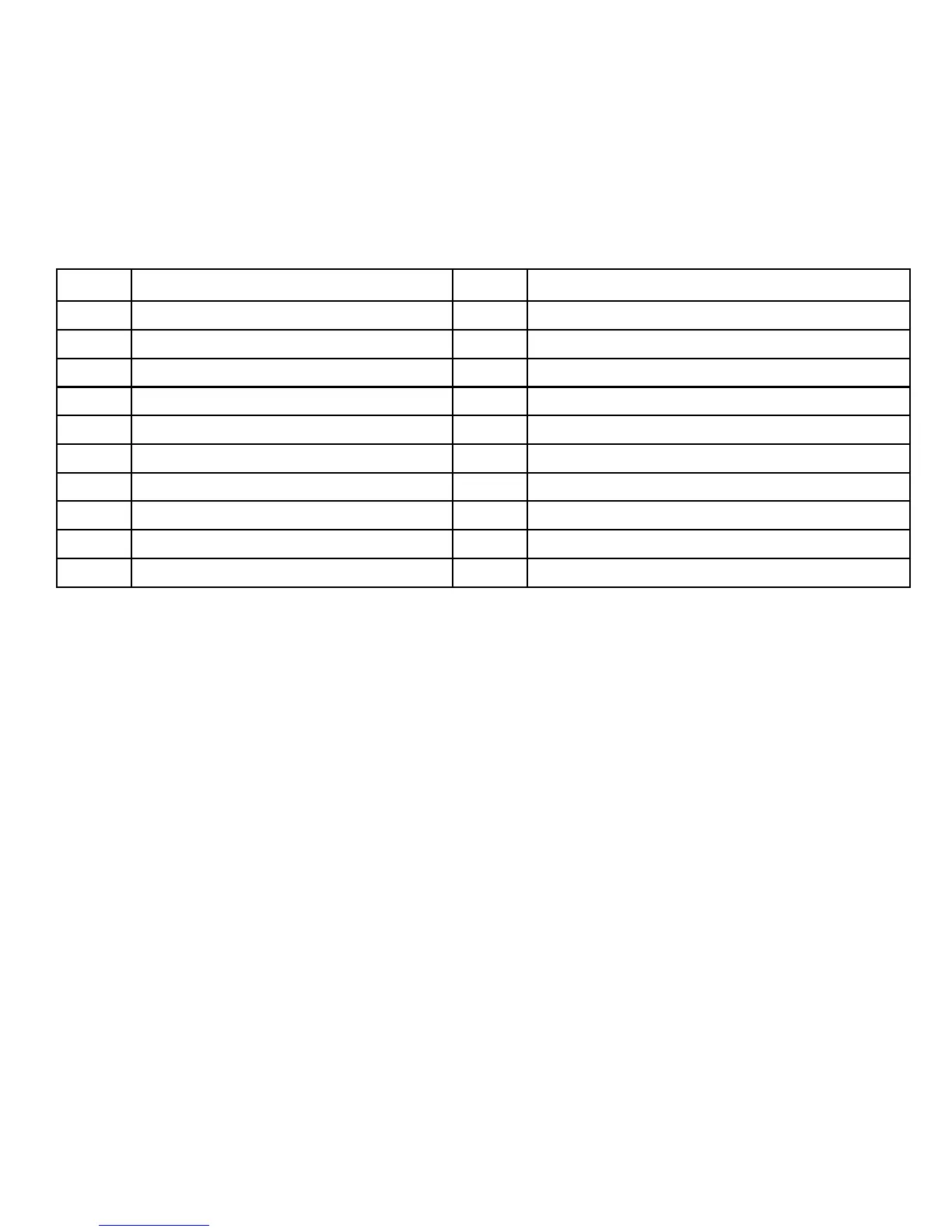
1
1
Earpiece
2
Display
3
Arrow Buttons
4
Left Selection Button
5
Voicemail
6
Call button
7
End call/Power on/off
8
M1 shortcut
9
M2 shortcut
10
Camera shortcut/Take photo
11
Microphone
12
International prefix/Symbols
13
Blank Button
14
Silent/Input method
15
Volume control+
16
Volume control-
17
Headset socket
18
Charging socket
19
Torch shortcut
20
External display
21
Assistance button
22
Loudspeaker
The items supplied with your phone might vary depending on the soft-
ware and accessories available in your region or offered by your service
provider. You can obtain additional accessories from your local Easyfone
deal- er. The supplied accessories provide the best performance with
your phone.

Table of Contents

Related product manuals