EasyManua.ls Logo

EASYHOME 48877 - Troubleshooting

EASYHOME 48877
15 pages
Print Icon
To Next Page IconTo Next Page
To Previous Page IconTo Previous Page
Loading...
AFTER SALES SUPPORT
10
service@801service.net
1 866 558 8096
AFTER SALES SUPPORT
service@801service.net
11
1 866 558 8096
Robotic Vacuum Operation and Maintenance Robotic Vacuum Troubleshooting
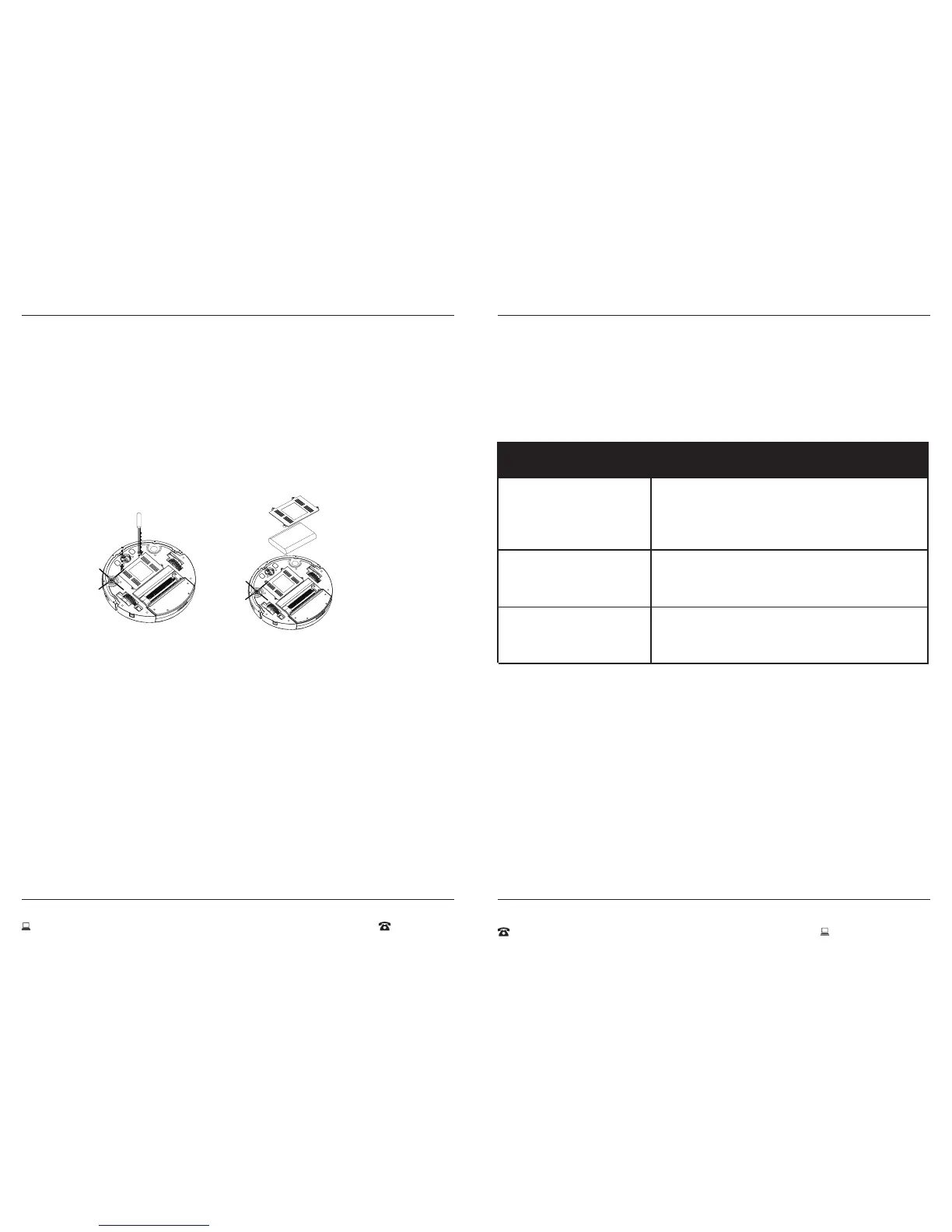
Replacement of Baery
Remember to turn the power switch to the OFF posion on boom of vacuum before
taking out the baery.



WARNING
1. F

2. 
 

Troubleshoong
Problem Soluon
The Vacuum is louder
then normal
The Vacuum does not
charge automacally
The Vacuum doesn’t
work or cleans poorly
1. 

2. 

1. 

2. 
1. 
2. 

Figure 9 Figure 10

Related product manuals